

New Ezlo Protect · Phone · Tablet · Watch
Beyond smart.
Truly intelligent
Ezlo Protect brings your cameras, sensors, locks and lights into one app, with Ezlo AI that answers questions about your home in plain words
Already have Ezlo Protect? Get the new app →
Ezlo AI
Just ask your home
Ezlo AI knows your devices, your cameras and your history. Ask in your own words, by voice or text
Ask your cameras
“Who came to the door?” gets an answer from your recordings, with the pictures right in the reply
Control by voice or chatMobile
Lights, locks, thermostats, arming and MeshBots. Ezlo AI asks before it unlocks, disarms or opens the garage
Suggested MeshBotsMobile
Ezlo AI suggests automations from your own devices, recent history and the weather. Tap Set up and the editor opens already filled in
Day in 1 Video Recap
Watch one short summary clip instead of scrolling through ten events of the day
Private by choice
Ezlo AI explains what it sends before you turn it on. Turn it off and nothing leaves your phone
In English, Spanish, French and German
Ezlo AI shows how it feels: calm, curious, happy, worried
Detect→Understand→Act
Both Mobile and Tablet

Five detections, five alerts
Every camera and sensor reports on its own, and you have to work out whether they’re related
One story per event
An alarm’s story covers arming, what tripped, the cameras and the disarm, in one card
Walled garden
Your provider decides which cameras, sensors and locks you can use
Keep what works
Bring compatible existing equipment into one system and upgrade one device at a time
Searching for the camera
You scroll through feeds to find the one that matters
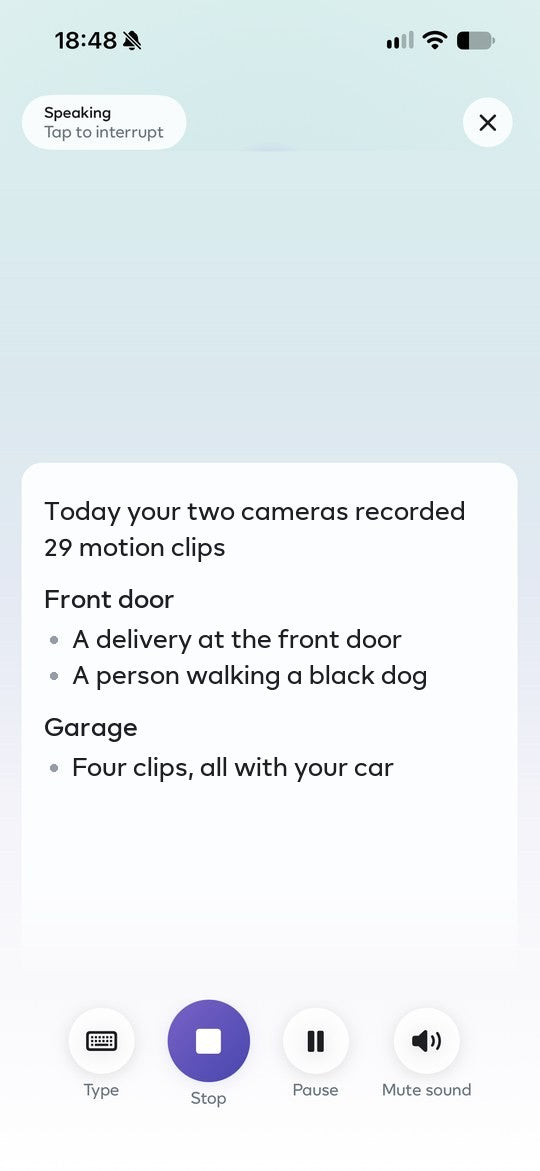
Ezlo AI scrolls for you
It goes through the day’s clips and tells you what mattered
Ready to offer Ezlo Protect to your customers?
Talk to our dealer team or request a live walkthrough of the platform

Home
Calm, until it matters
Everything’s OK, or there’s a reason for your attention

Your day, told for you
A short story of last night, what happened while you were away, and a daily briefing each morning
Bedtime check
See what’s still open before bed, fix it in one tap, then arm Night
Doorbell and cameras
Answer the door from anywhere
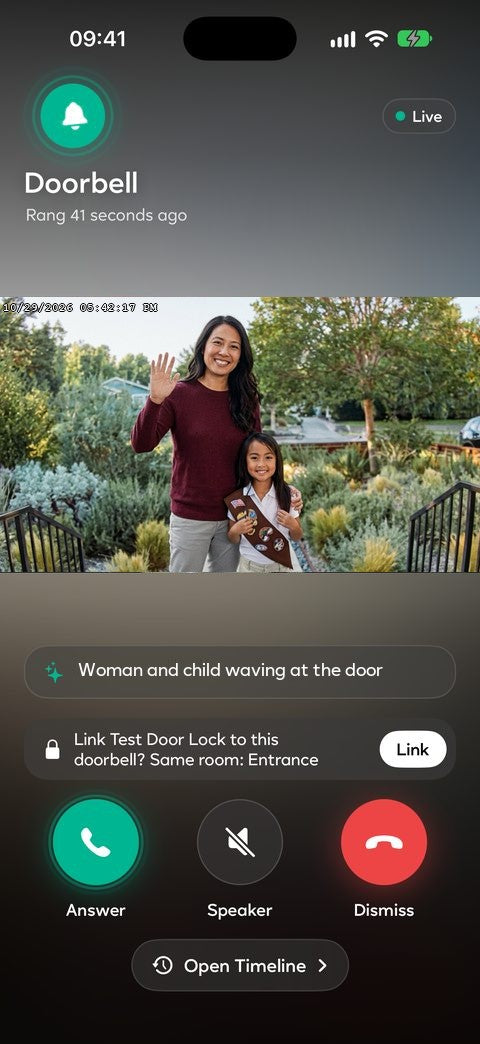
A ring opens like a phone call: see who’s there, talk, send a quick reply or unlock the door
Who’s at the door
A short AI line describes the visitor as soon as it rings
Quick replies
Record a reply once, then send it from the ring, no mic needed
Unlock from the ring
With a lock linked to the doorbell, let someone in without leaving the call
Find any moment
The new camera timeline filters by Person, Animal, Vehicle and Ring, with a short AI description under every clip
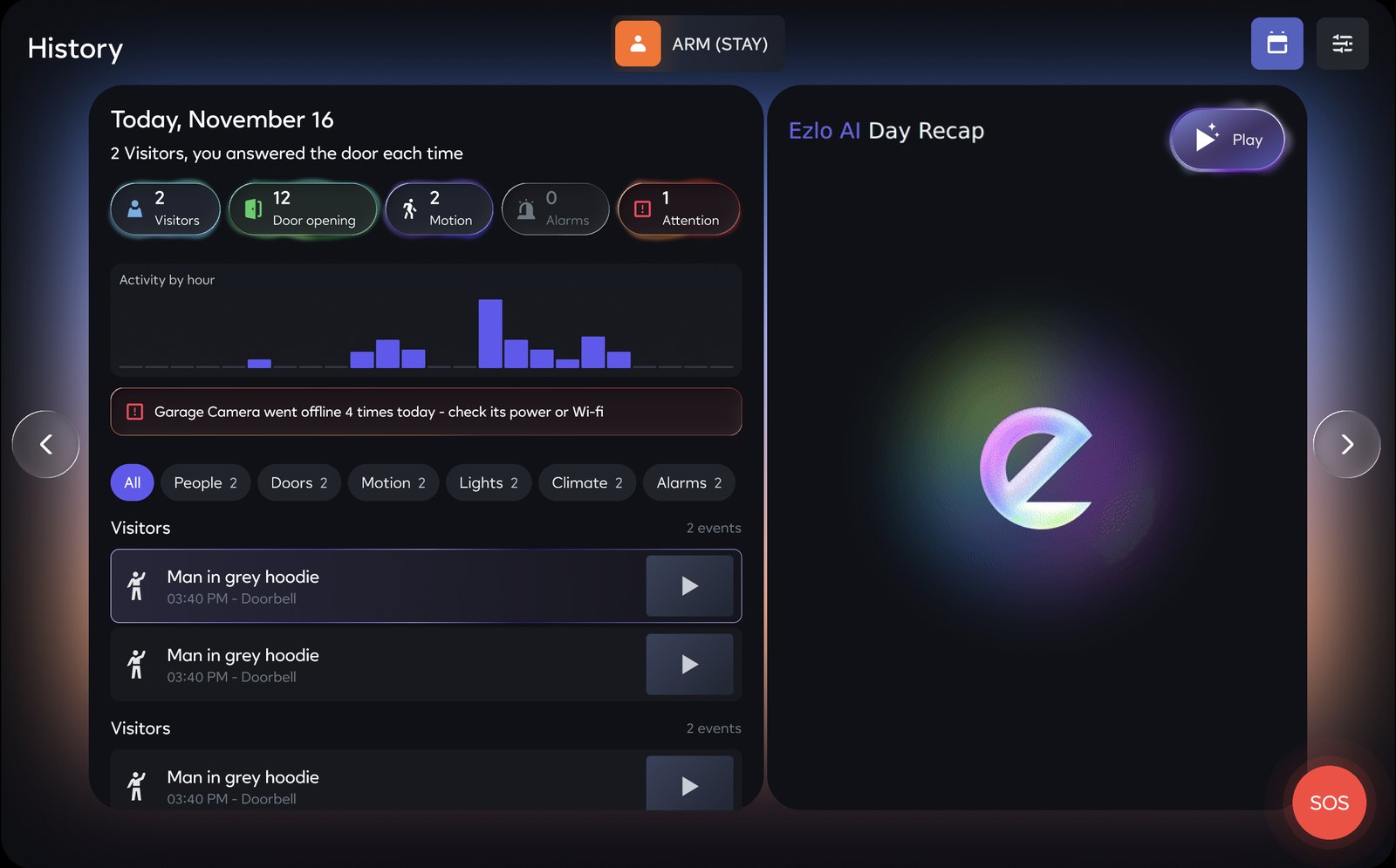
One clear view. Faster response
The Ezlo Protect 10″ touchscreen has a new design, and it arrives on its own
-
Live video, security status and connected devices together in one app and on the 10" touchscreen. Up to 4 cameras on one screen, snapshots refresh every 10 seconds
-
When a camera spots a person, vehicle or animal, a card pops up. Tap it to see the video
-
Live video, arming controls and professional monitoring help coordinate the response
-
Open a camera and Ezlo AI sums up its history in plain words
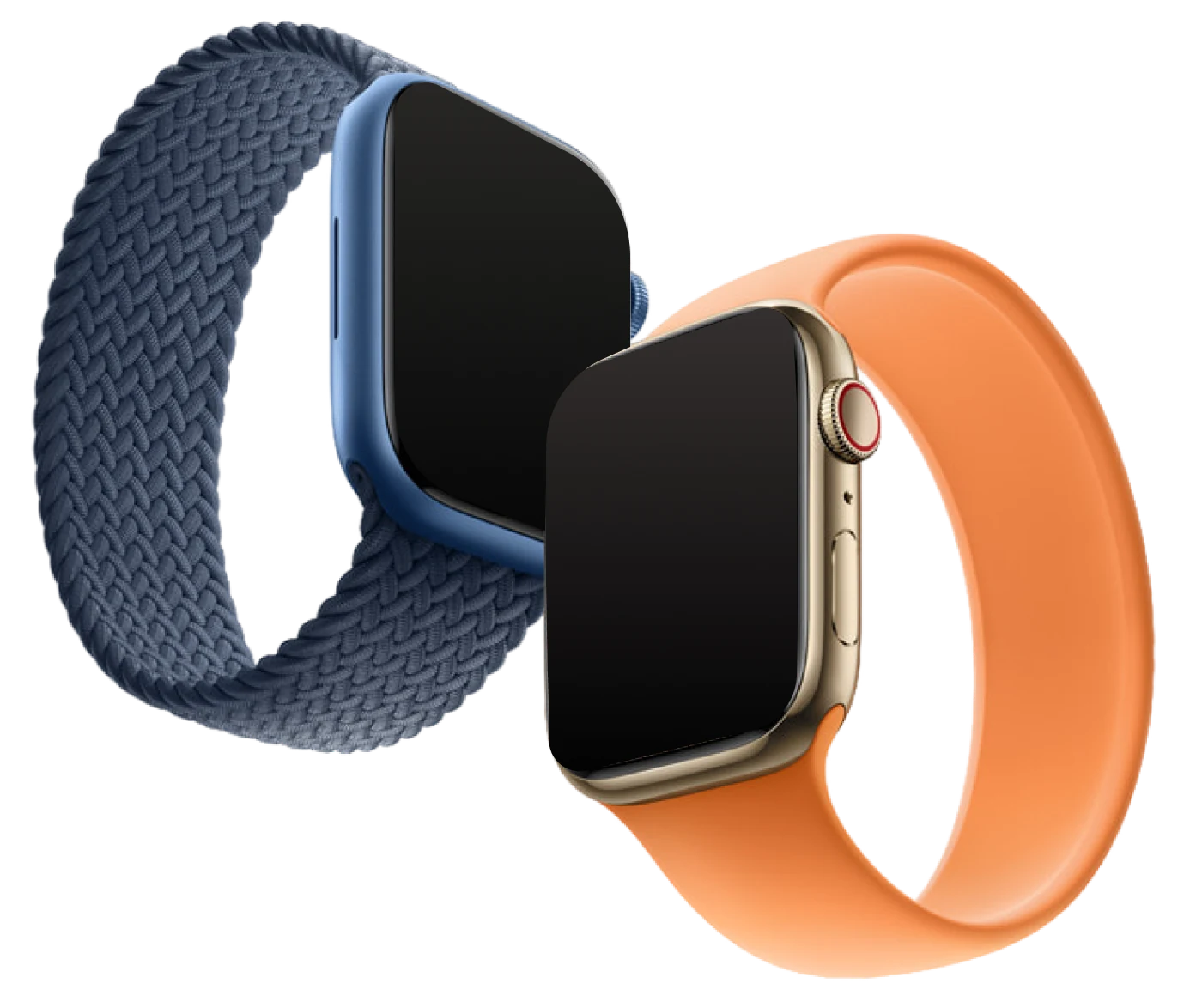
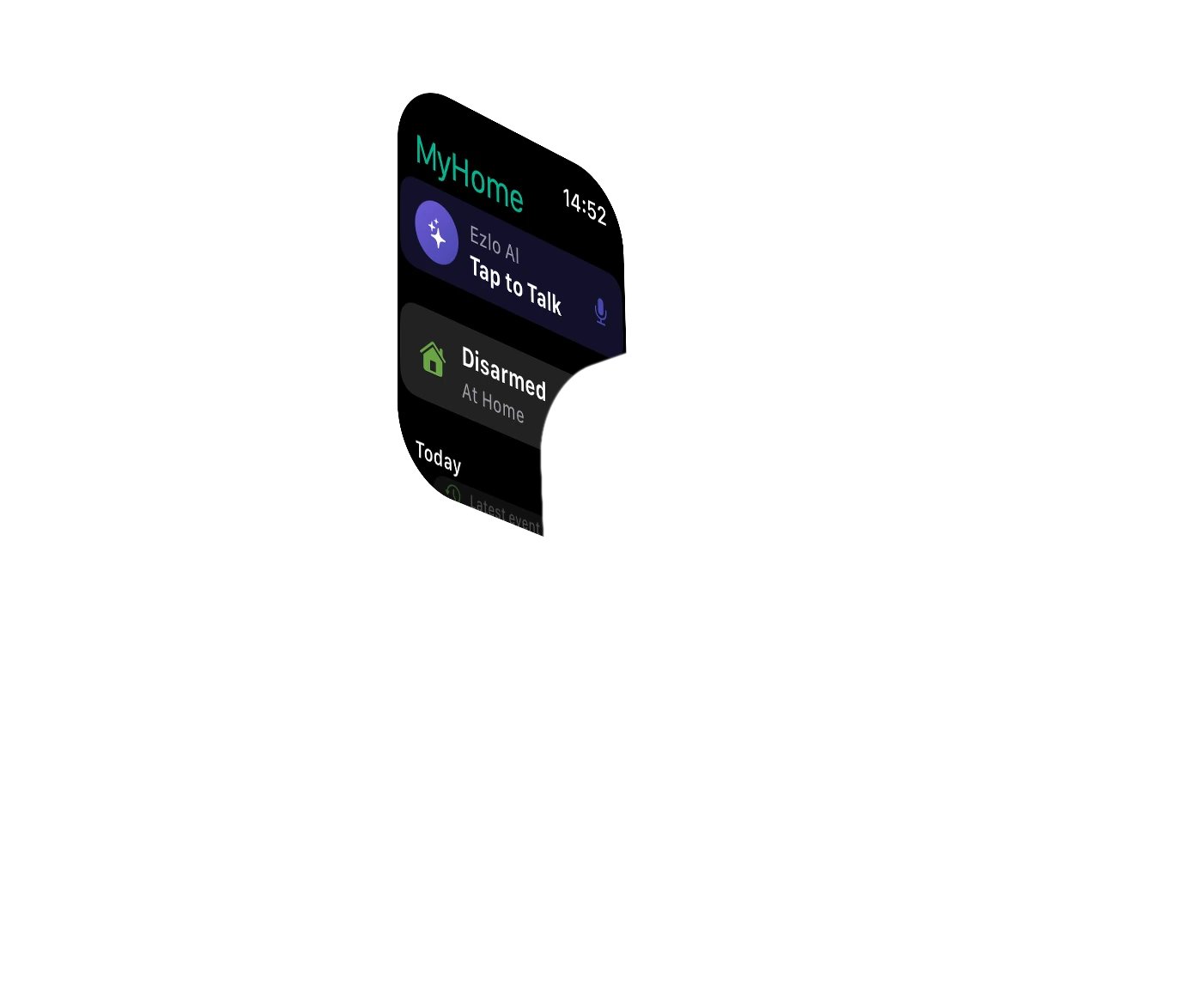
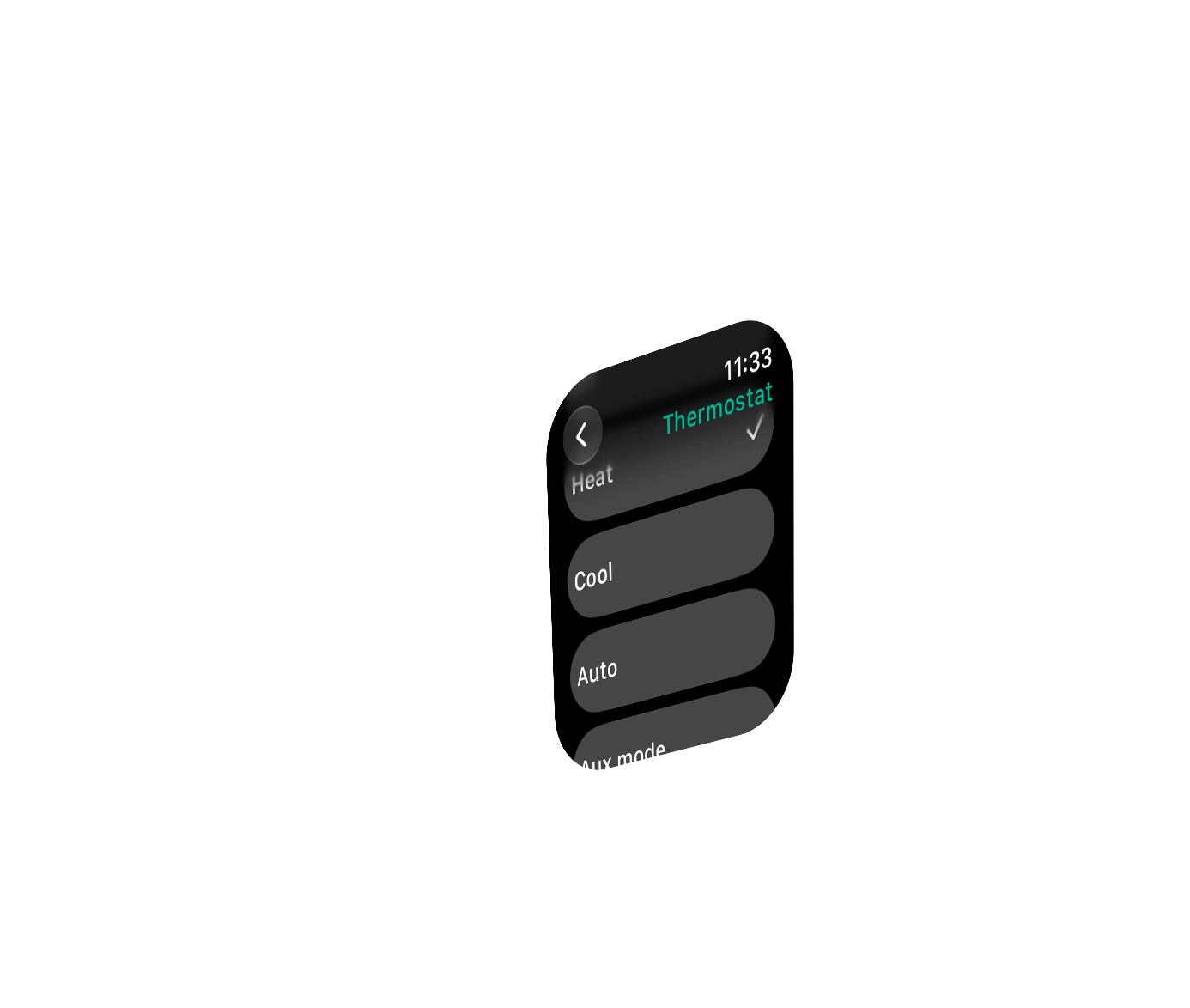
The entire system on your wrist
A brand-new Apple Watch app puts your doorbell, cameras, security and Ezlo AI on your wrist
- Answer the doorbell
- Arm and disarm every hub
- Ask Ezlo AI by voice
- Urgent alerts for alarms and leaks
Built into iPhone
Your home, one glance away
On iPhone, arm, lock or check a camera from widgets, Control Center and Siri, without opening the app
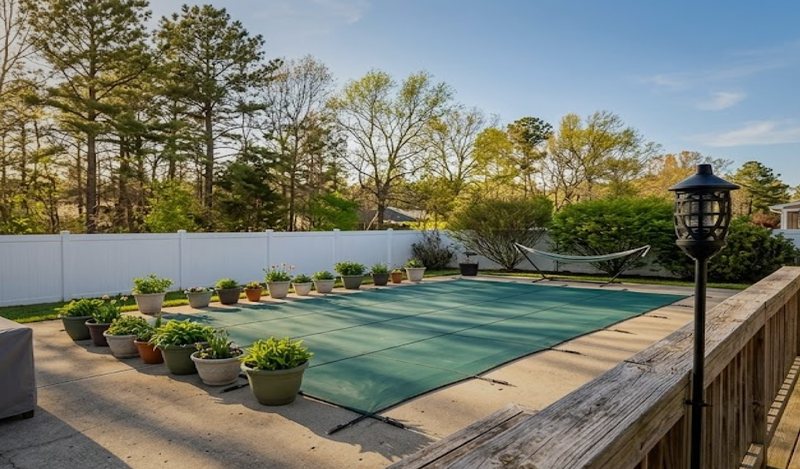
Home healthSecured, healthy and quiet: what to check at home
DevicesTurn lights, switches and plugs on or off
HomeSecurity, cameras and devices, as you arrange them in the app
Exit and entry countdownShows on the Lock Screen and in the Dynamic Island
Is the alarm on with Ezlo Protect?
Is Back door locked?
Ask SiriSiri can also lock or unlock a door and run a MeshBot, and asks first
Works with the hardware you already have
Ezlo Protect takes over existing systems and supports devices across brands and protocols. No rip-and-replace required


- 345 Mhz
- DC - 09

- LTE



Frequently asked questions
What is the new Ezlo Protect app?
It’s the new Ezlo app for iPhone. It brings home status, device control, security, cameras, activity history and automations into one experience, with Ezlo AI built in
Does Ezlo AI cost extra?
No. The app is always free to download, and Ezlo AI is included at launch with no extra charge
Is there a separate camera subscription?
No. For Ezlo Protect customers, camera service is part of your Ezlo Protect plan, not a separate subscription
Which languages does Ezlo AI speak?
English, Spanish, French and German, for both voice and chat
Will Ezlo AI change things in my home without asking?
No. Before Ezlo AI runs a command, it asks you to confirm, and you can undo a change from the chat
Scalable Value for Every Fleet
Flat monthly pricing by managed device band. Not per-device billing
Start with one location and see it all in one place

 Single dashboard view for supported devicesDevice status + healthAlerts + workflowsEmail / push notifications30-day event history
See what Ezlo Sense could do for your properties
Everything in Easy StartTickets + escalation rulesAI-assisted routing (COMING SOON)Shaped around your portfolio, systems and team
Everything in PremiumCustom integrations + APIsAdvanced roles + retentionPortfolio reportingSLA, support + onboardingTalk to an Ezlo Protect expert
Tell us a little about your portfolio and an integration specialist will get back to you shortly
Thanks — we’ve got your request
An Ezlo Protect specialist will get back to you as soon as possible


