Zigbee 3.0 Smart Pro WW/CW Controller Warm Cold White Light Work with Smartthings APP Alexa Echo plus 2.4G RF Remote
Zigbee 3.0 Smart Pro WW/CW Controller Warm Cold White Light Work with Smartthings APP Alexa Echo plus 2.4G RF Remote
Regular price
$45.43
Regular price
$0
$45.43
Sale price
Unit price
per
In stock

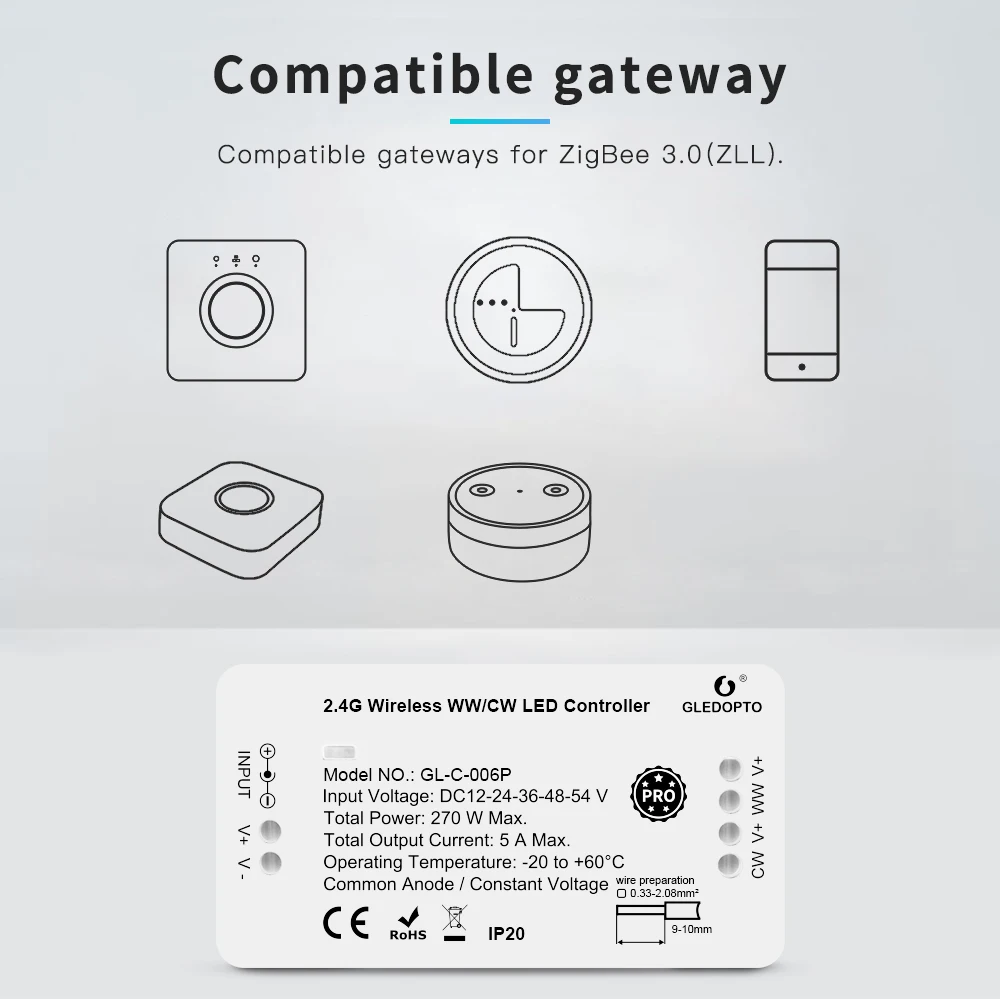
🔴Please kindly note that our zigbee devices(Zigbee/Plus/Pro version Products) require related zigbee gateways.
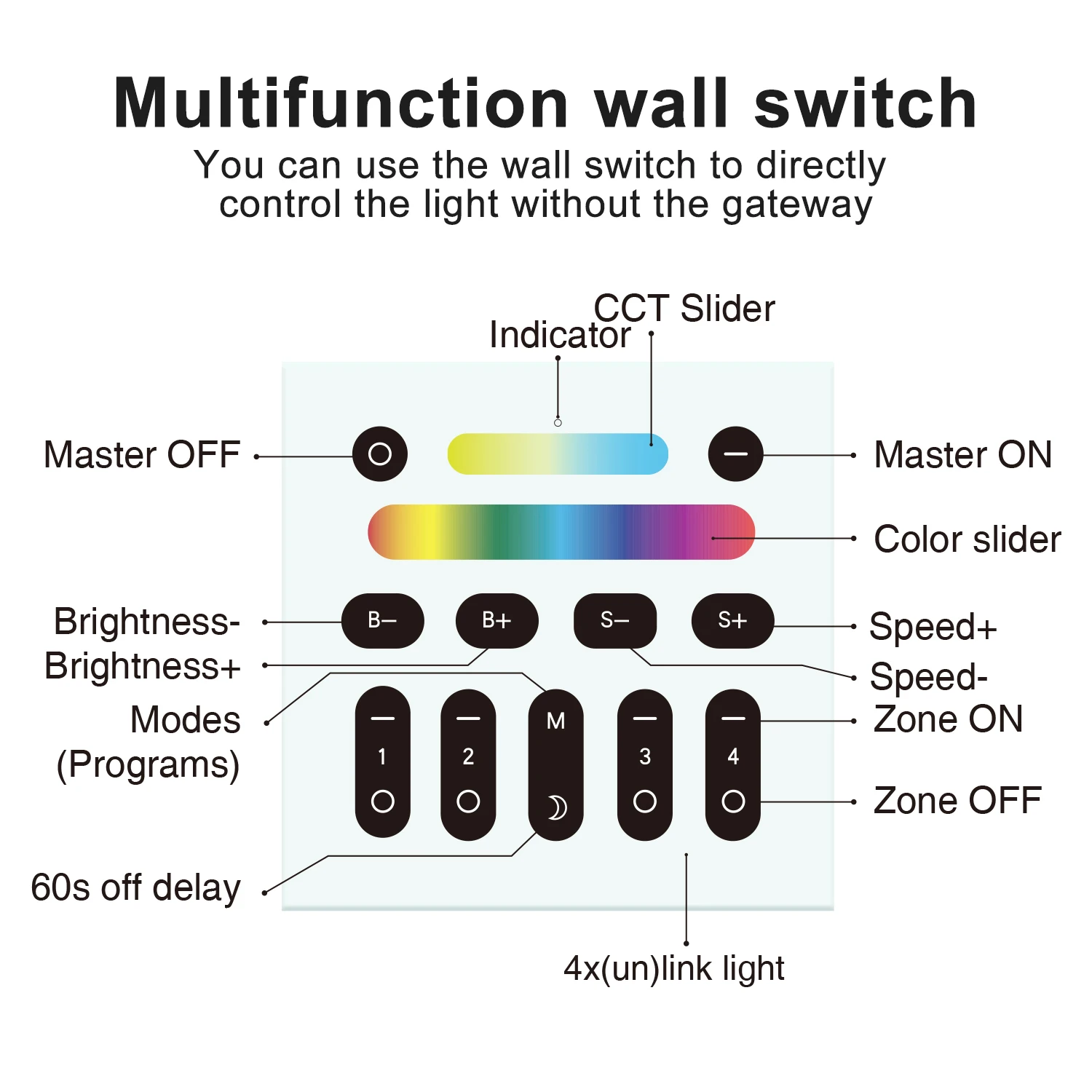
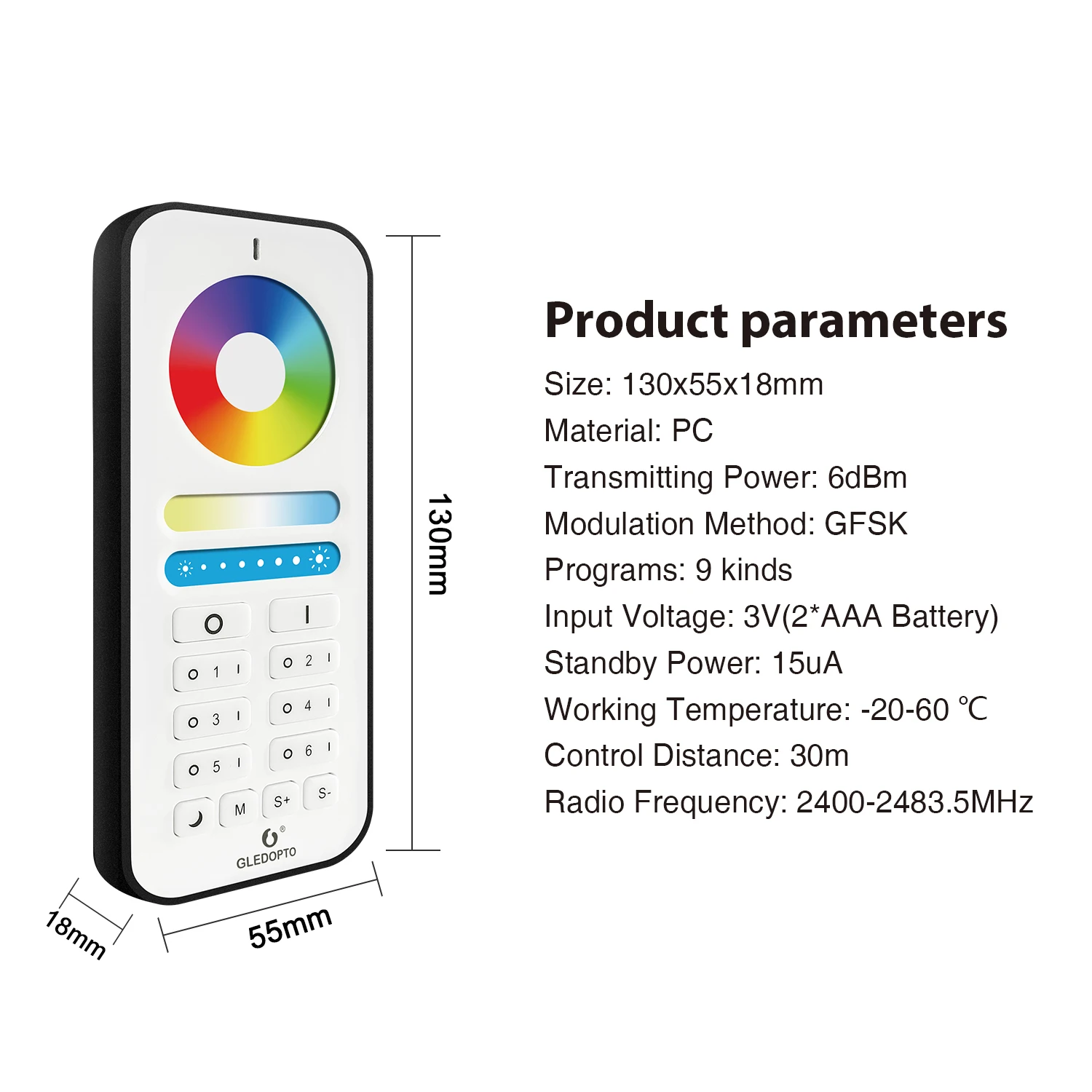
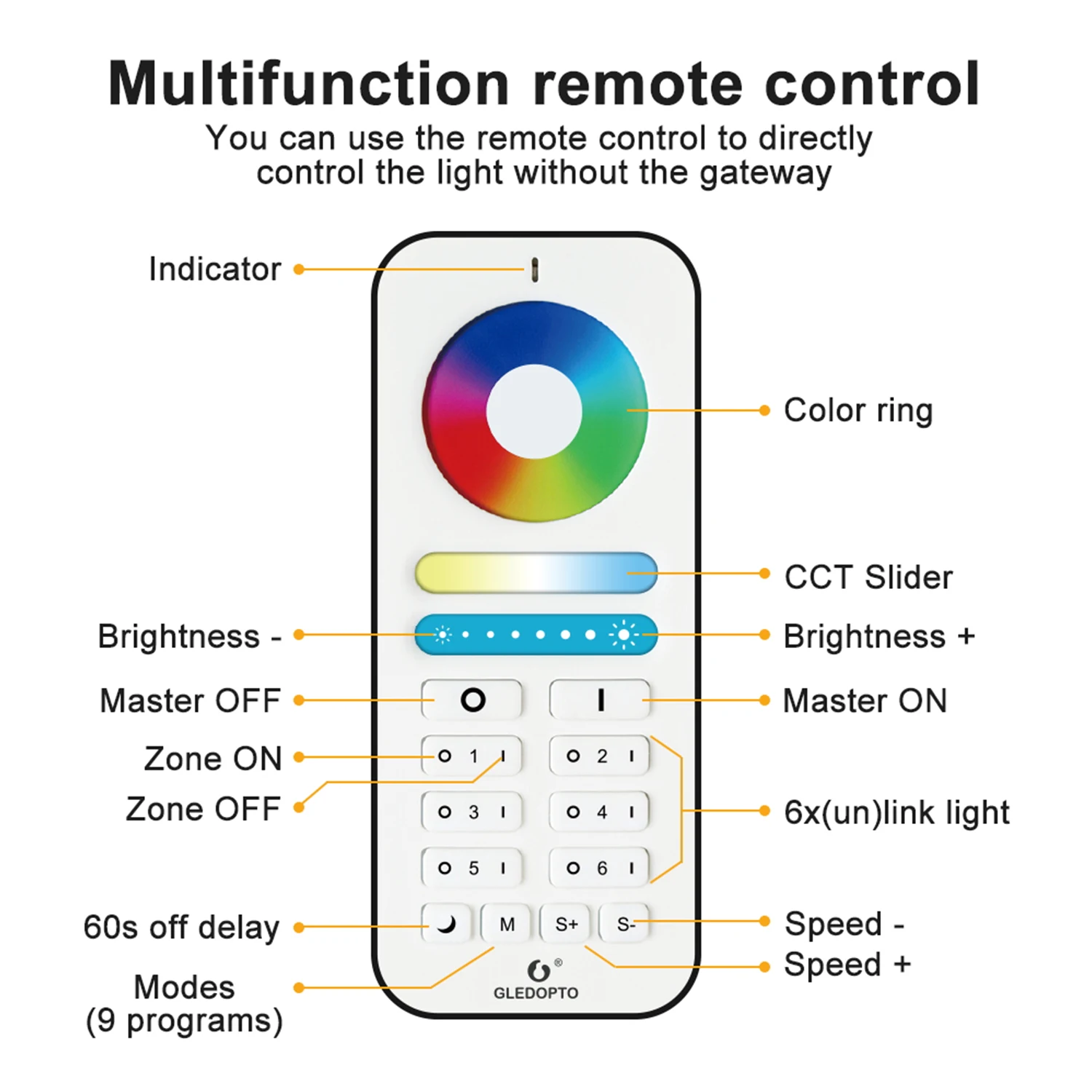
🔴 If you don't have any gateway, please buy one 2.4G RF remote control or wall switch to work with Plus/Pro Version Products.
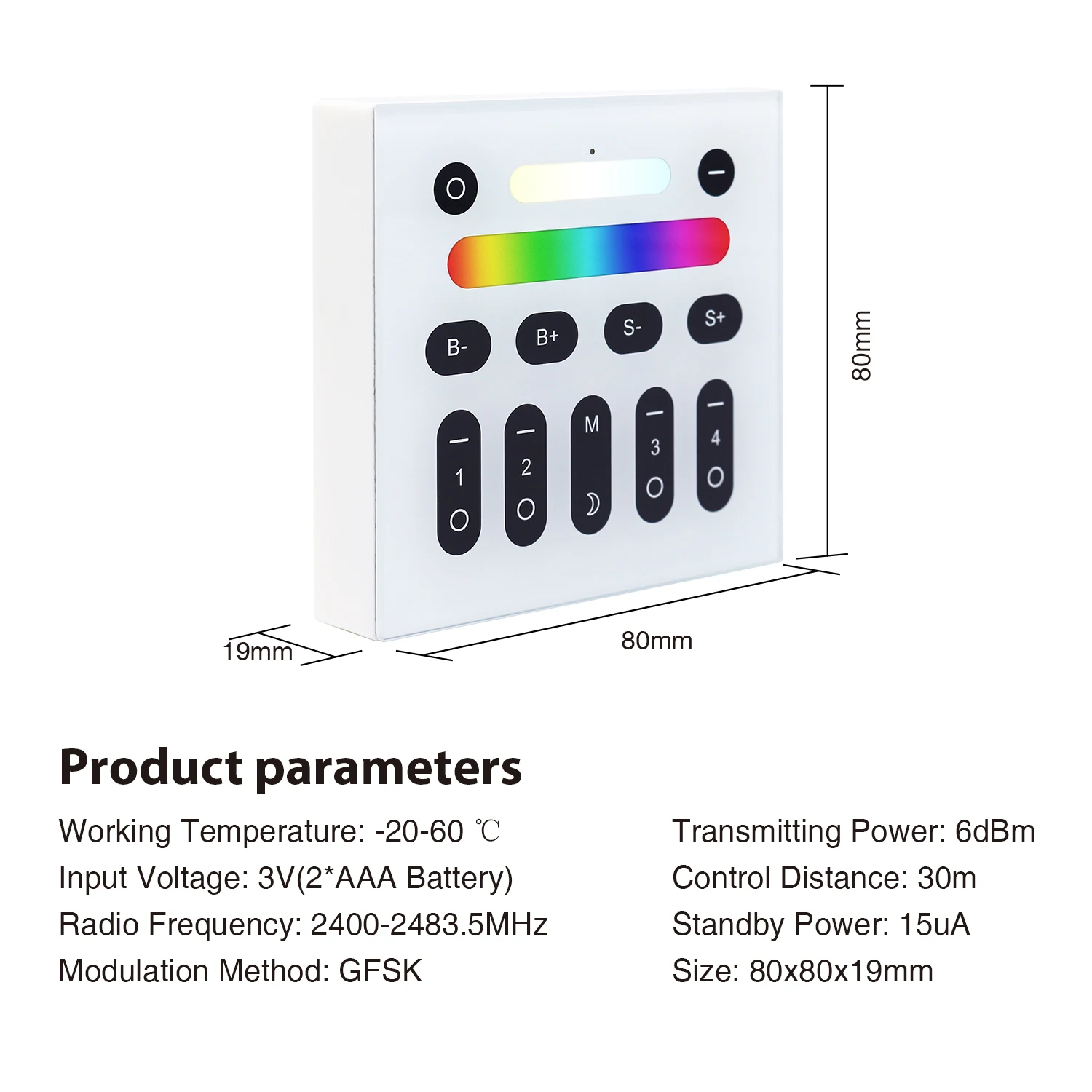
The Remote Control and Wall Switch is 2.4G RF, only work with Plus/ Pro Version Products.(Not ZigBee)
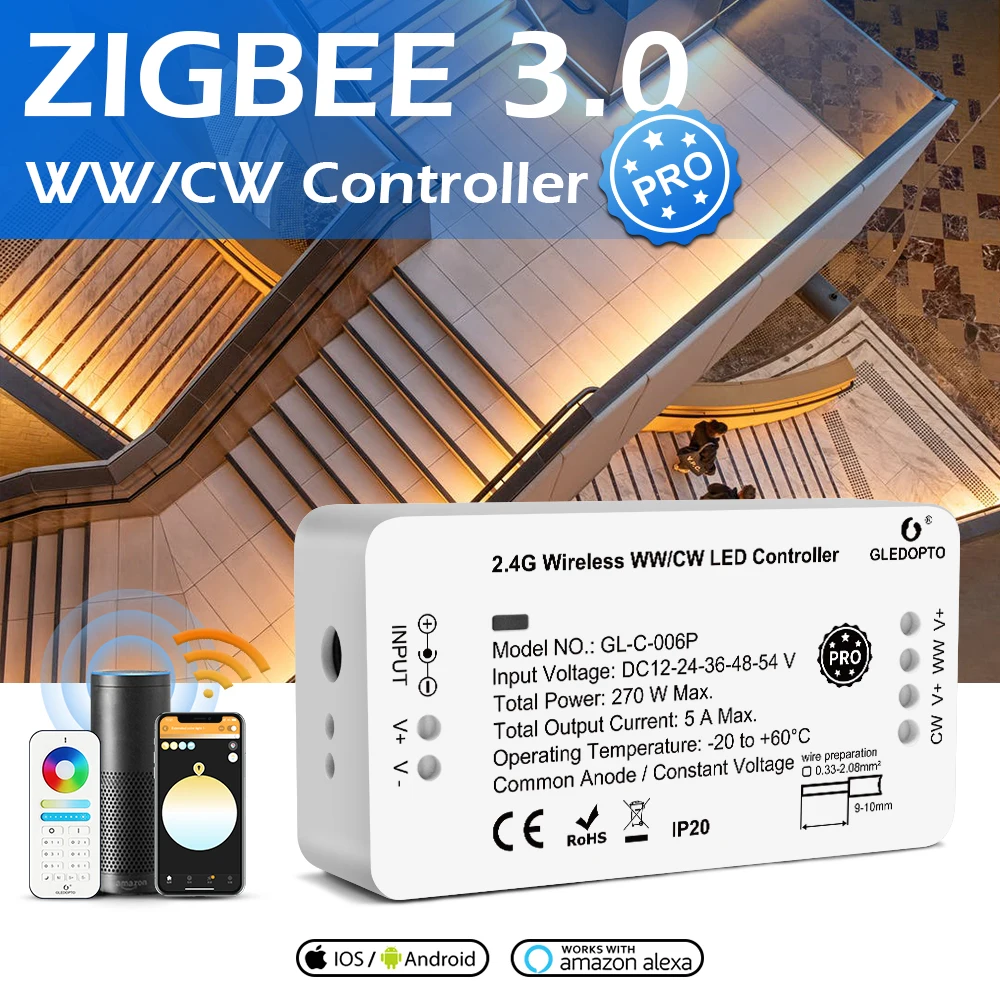
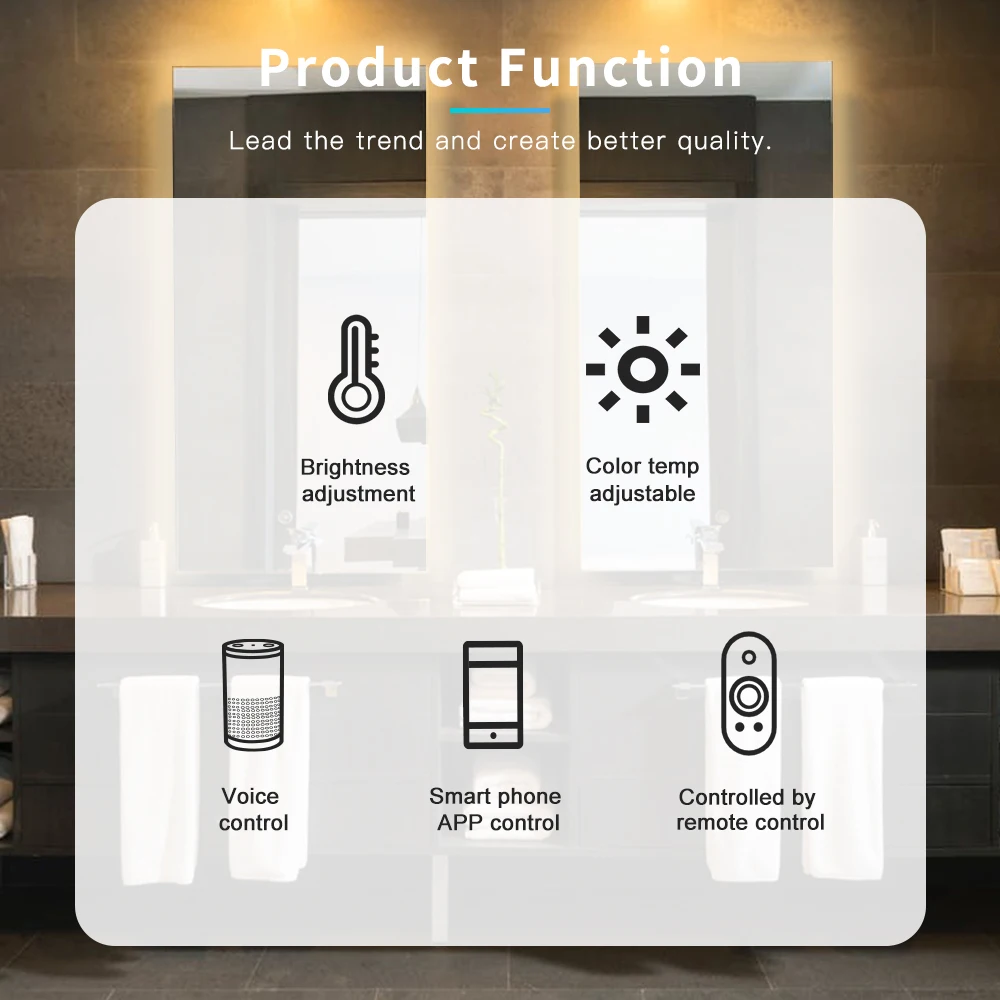
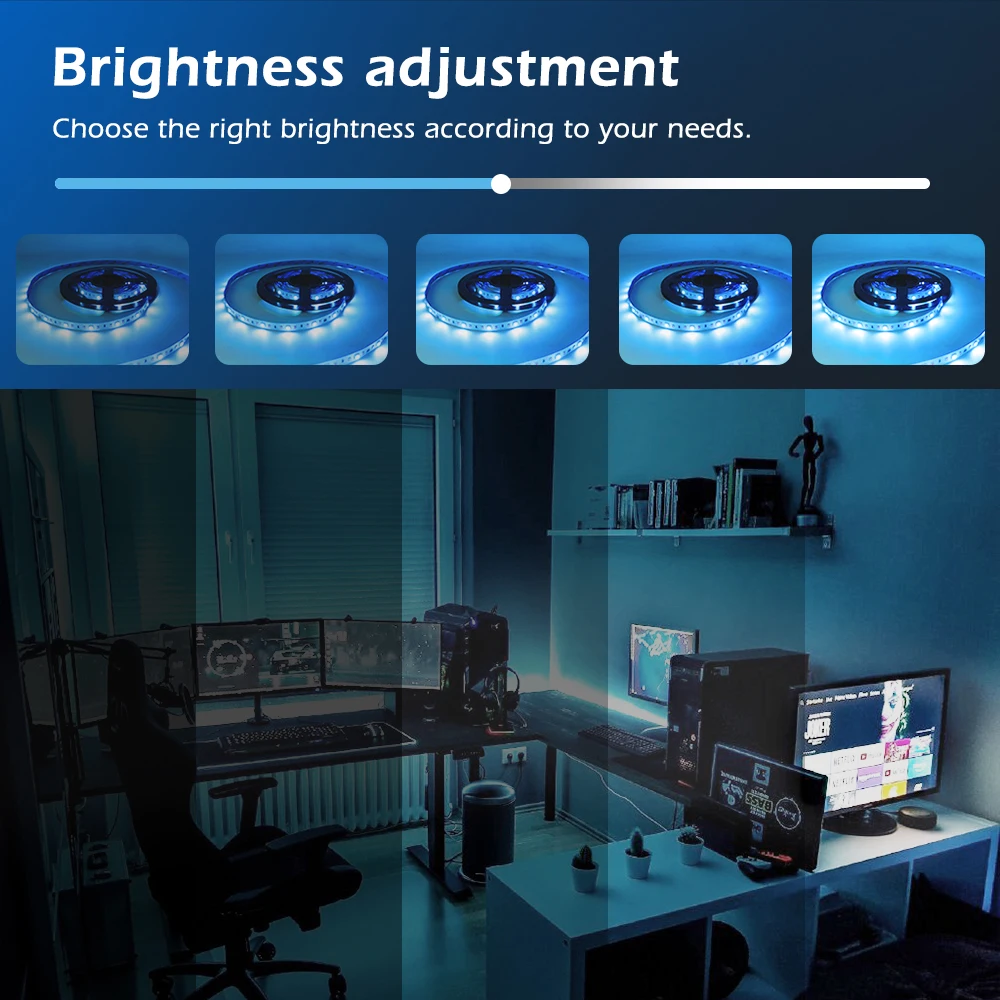
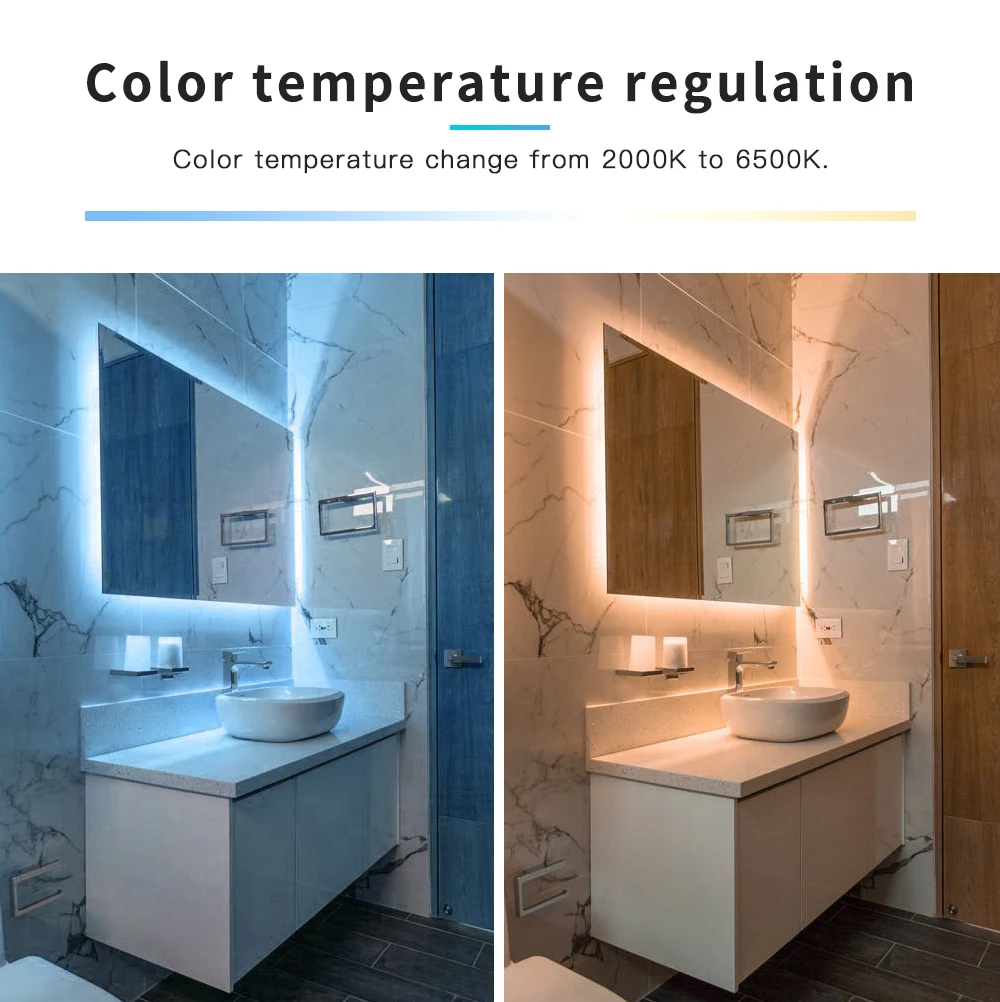
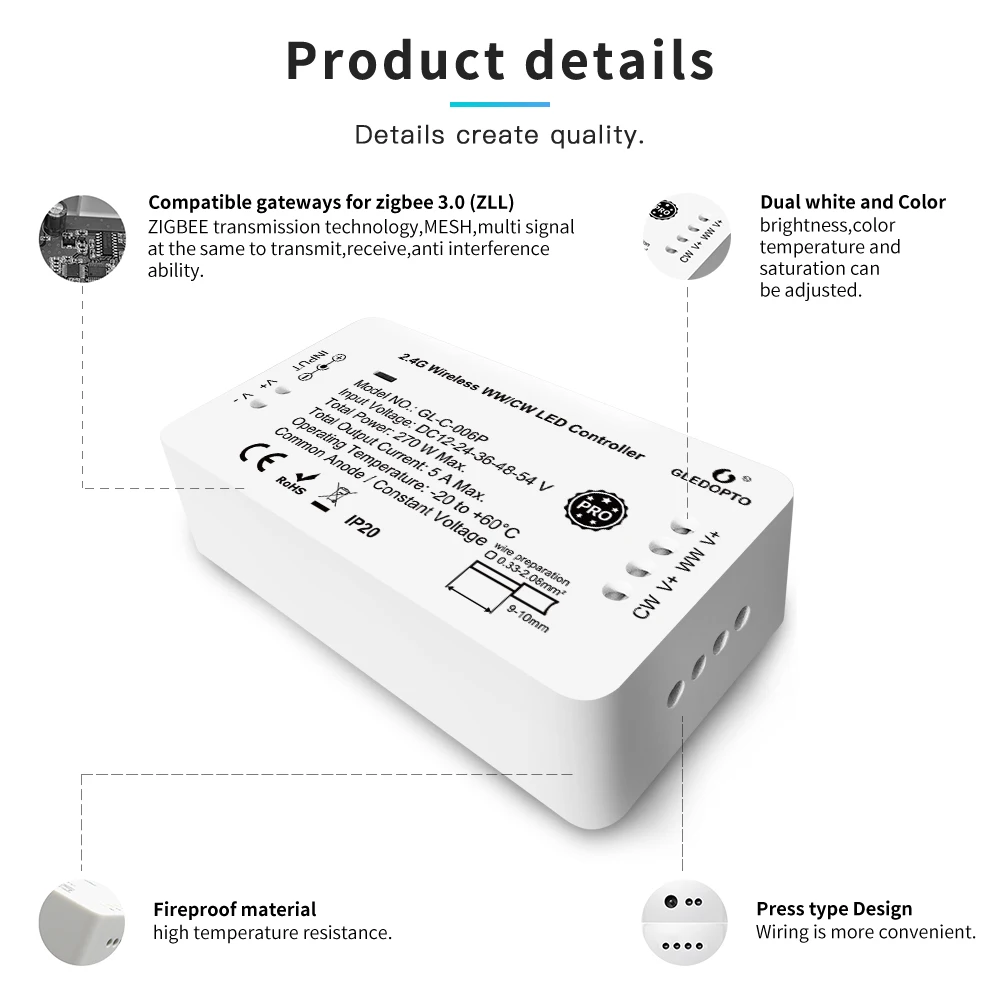
🔴Pro WWCW Controller can adjust brightness and color temperature (warm and cold white),
it has 4 pins in WW, CW and twoV+ for your led strip wires connection.
🔴This device is only compatible with the GLEDOPTO 2.4G RF remote control and cannot be compatible with other remote controls.
🔴Note: For DC port connections, do not exceed 3A, otherwise the controller may be damaged.
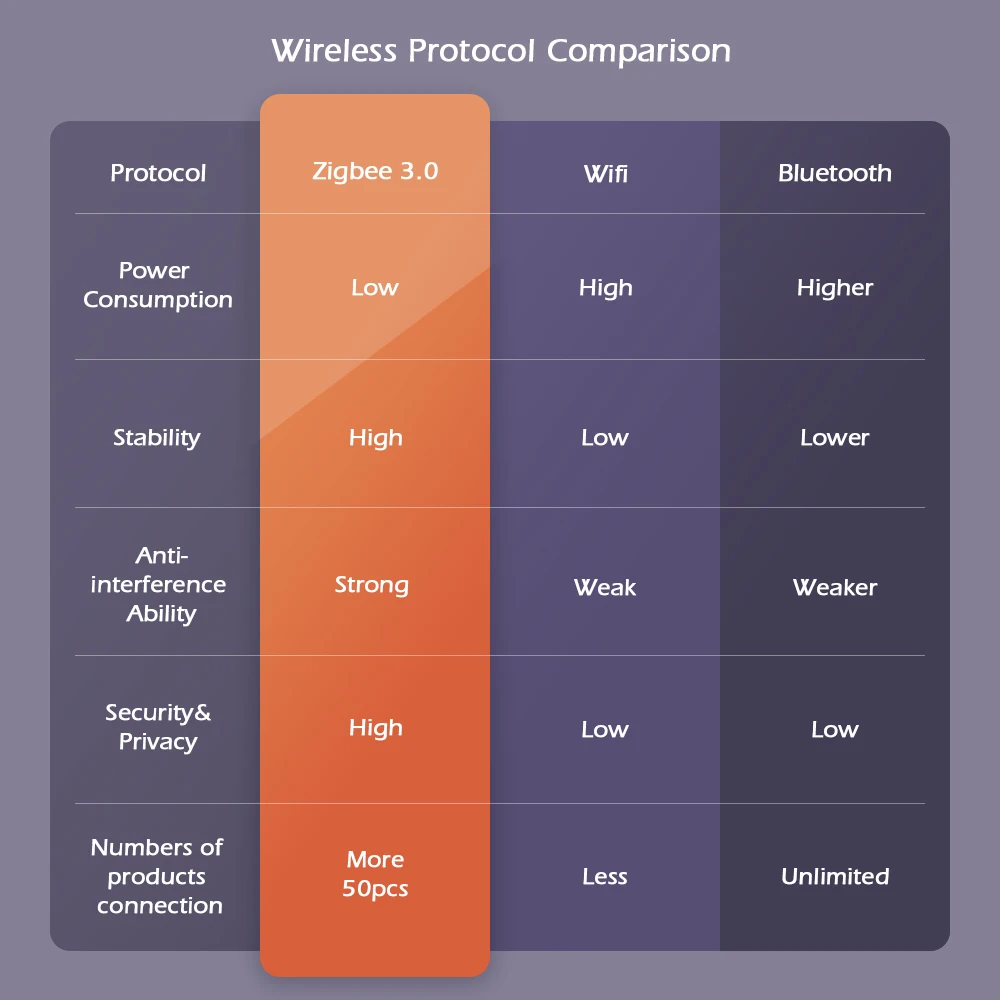

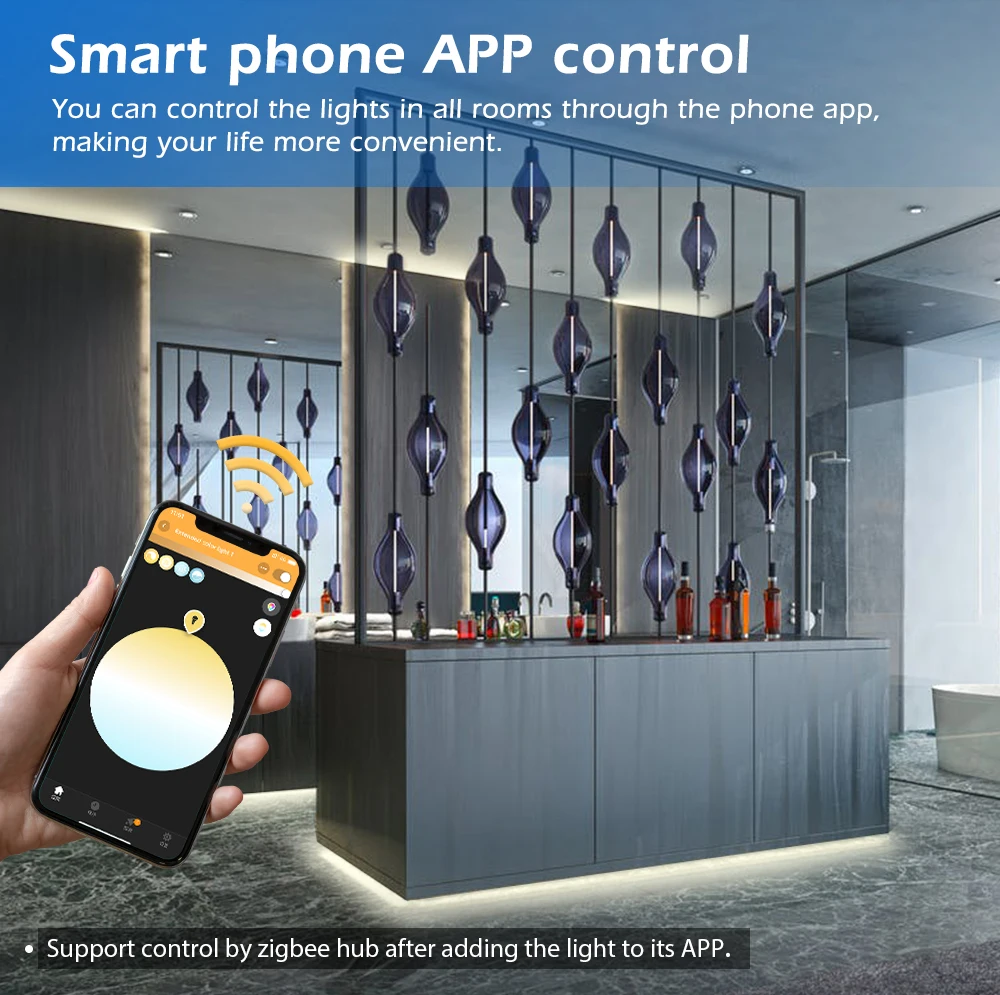
🌟 Support Tuya App/SmartThings App control. Support APP smart life app control in Android/IOS Phone.(There are some compatibility issues with IK*E*A at present)
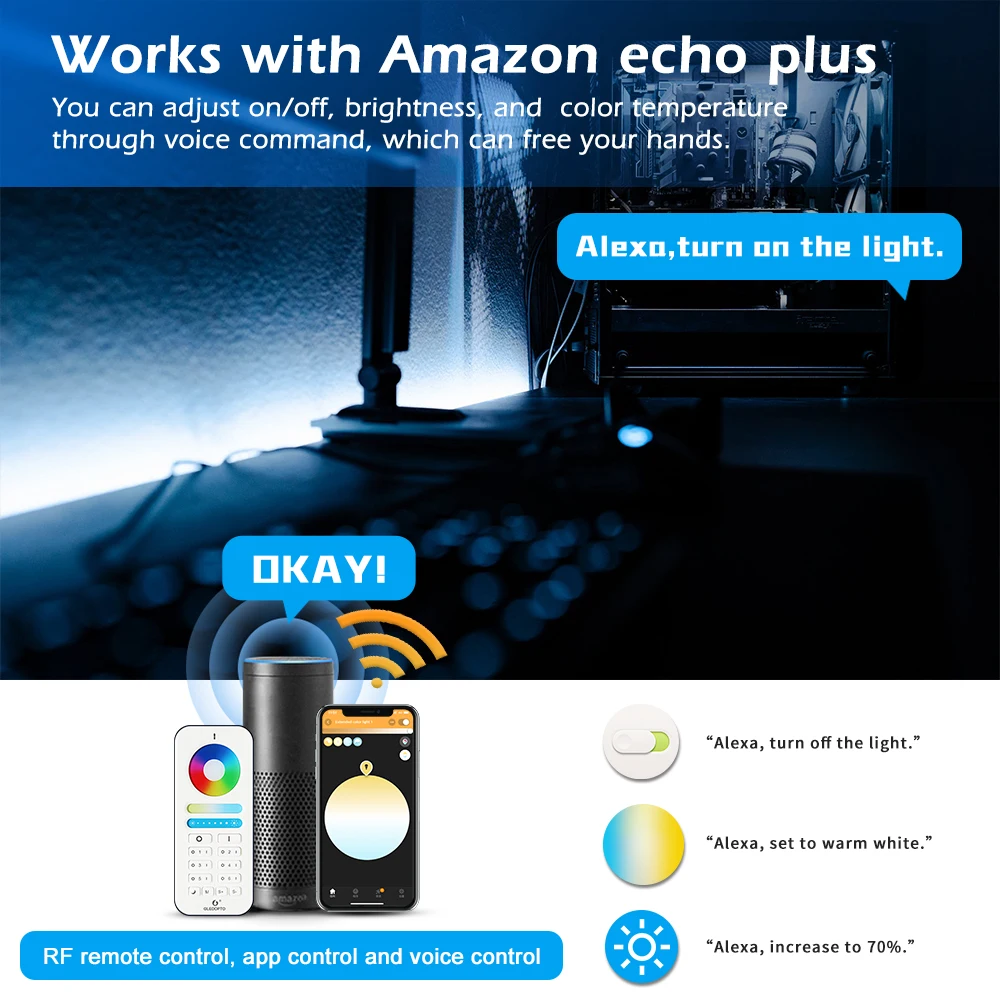
🌟 Support voice control by Alexa Echo/Google Home via SmartThings hub or Tuya Zigbee hub.
🌟 Support 2.4G RF remote control directly, without zigbee hub.
🌟 Group: Create Rooms, divide your lamps into one or several rooms, to control lamps in each room together or separately.
🌟 Set the Scene, Scenes that automatically adjust to the lights in your room according to environment.
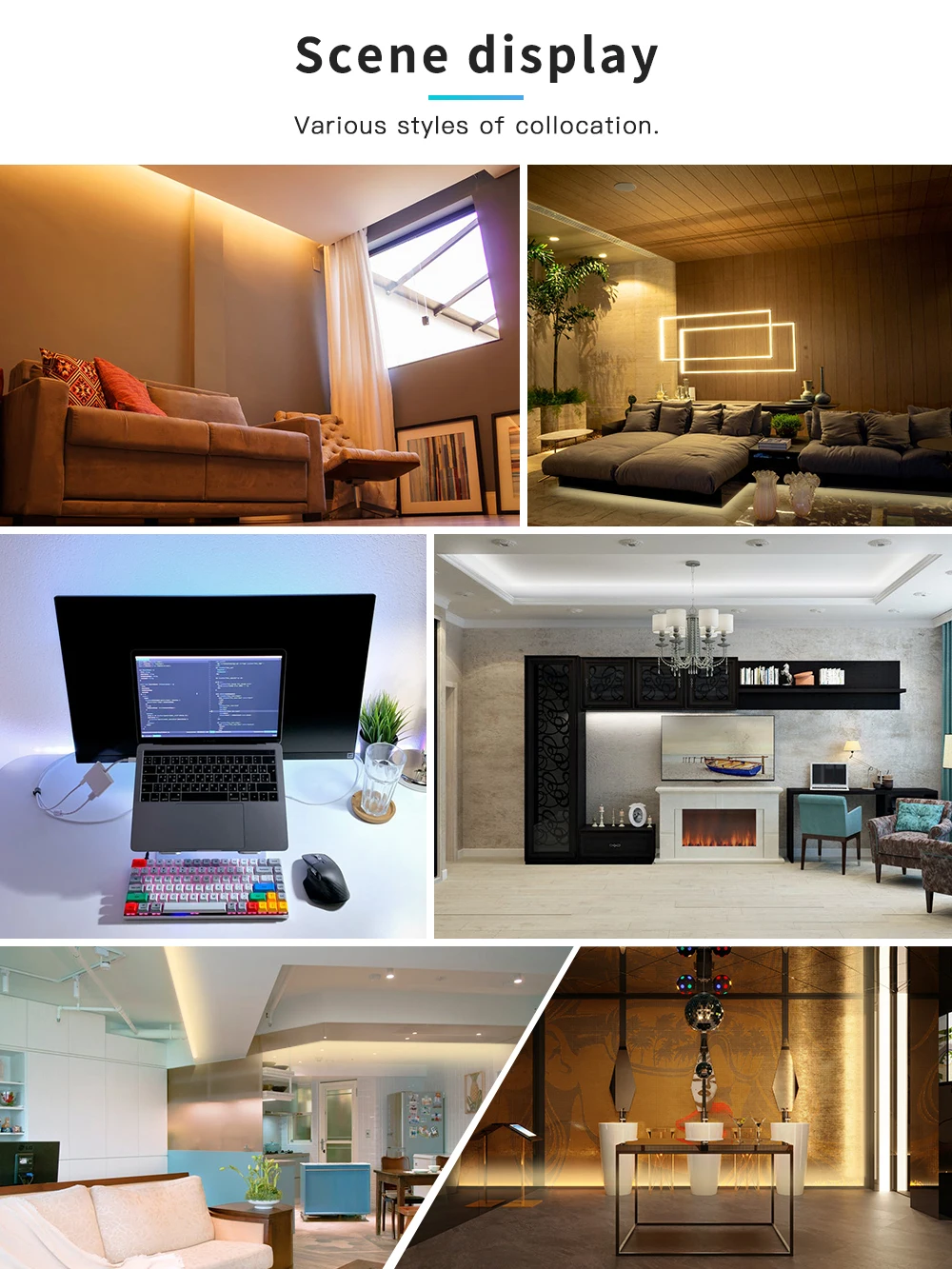
🌟 16 million colors for you to choose and make your life colorful, to create a relaxing and quiet atmosphere. Such as living room, kitchen, bedroom and so on.
🌟 Sync your light with movies, music, and games, enjoy the light effect which synchronizes with the plot of the picture immediately, and experience the more delicate atmosphere lighting effect.
How to sync? please follow this website:
Sync Show results:
Q&A or more info, please contact us on line, and we will answer you in time.
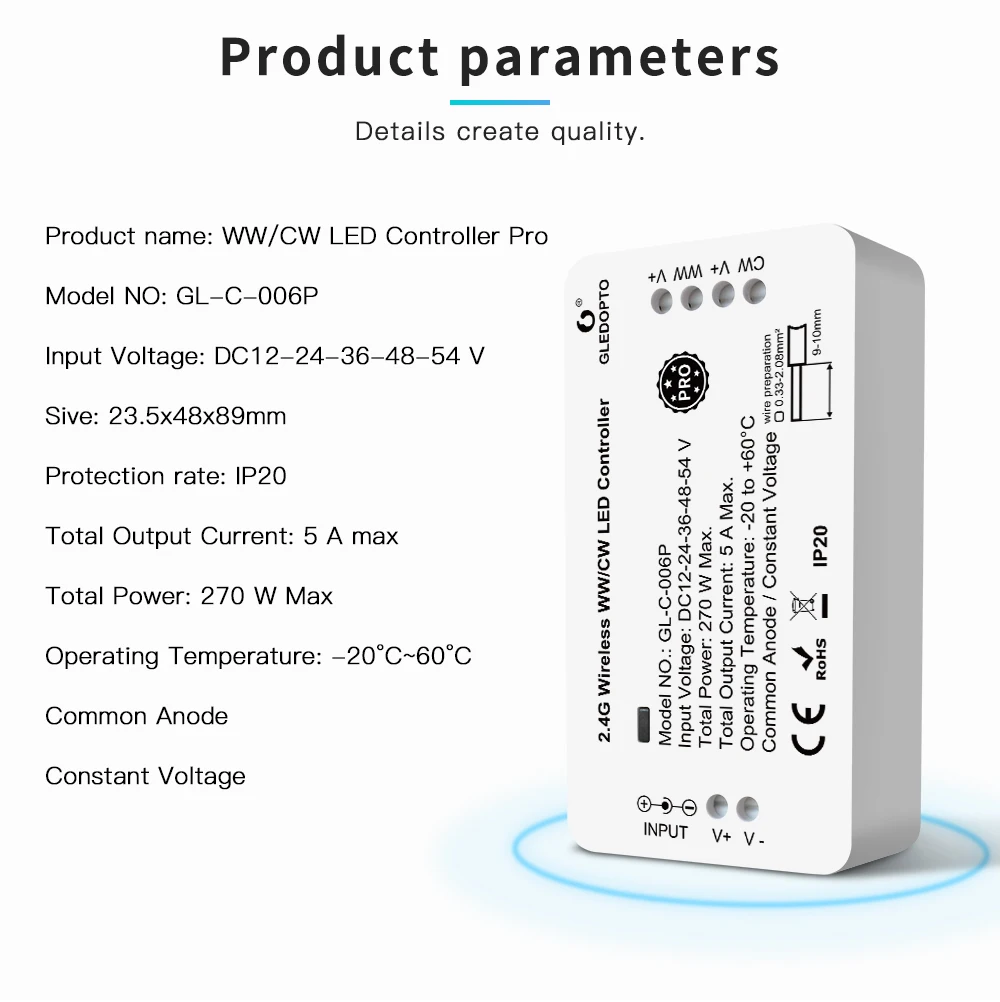
 Product Name: WW/CW LED Controller Pro
Model No.:GL-C-006P
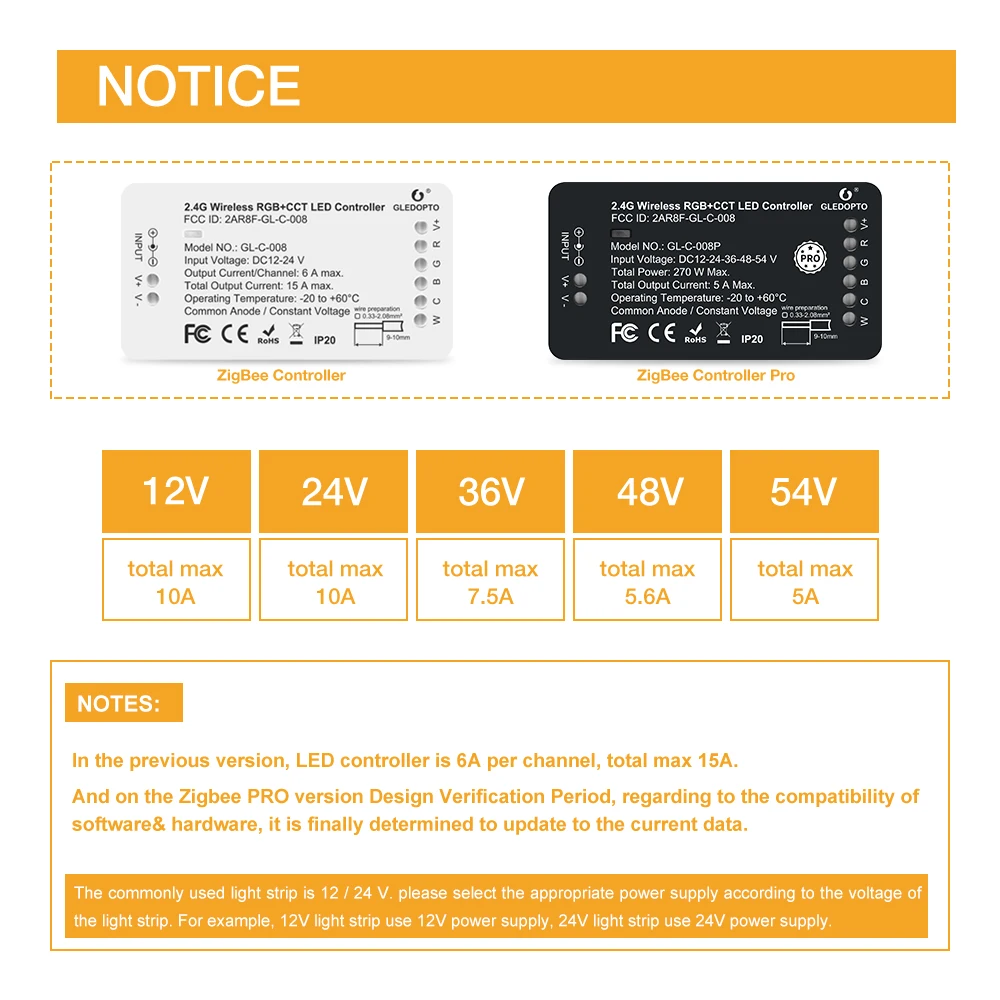
Voltage: DC12V-24-36-48-54V
Output: Max. 5A/Channel, Total output Max.5A
Size: 89*48*23.5mm
Operating Temperature:-20-60°C
Input: 5.5x2.1mm DC Socket
 1pcs* ZigBee WW/CW Controller Pro
1pcs* User Manual
1pcs* 3cm Stricker

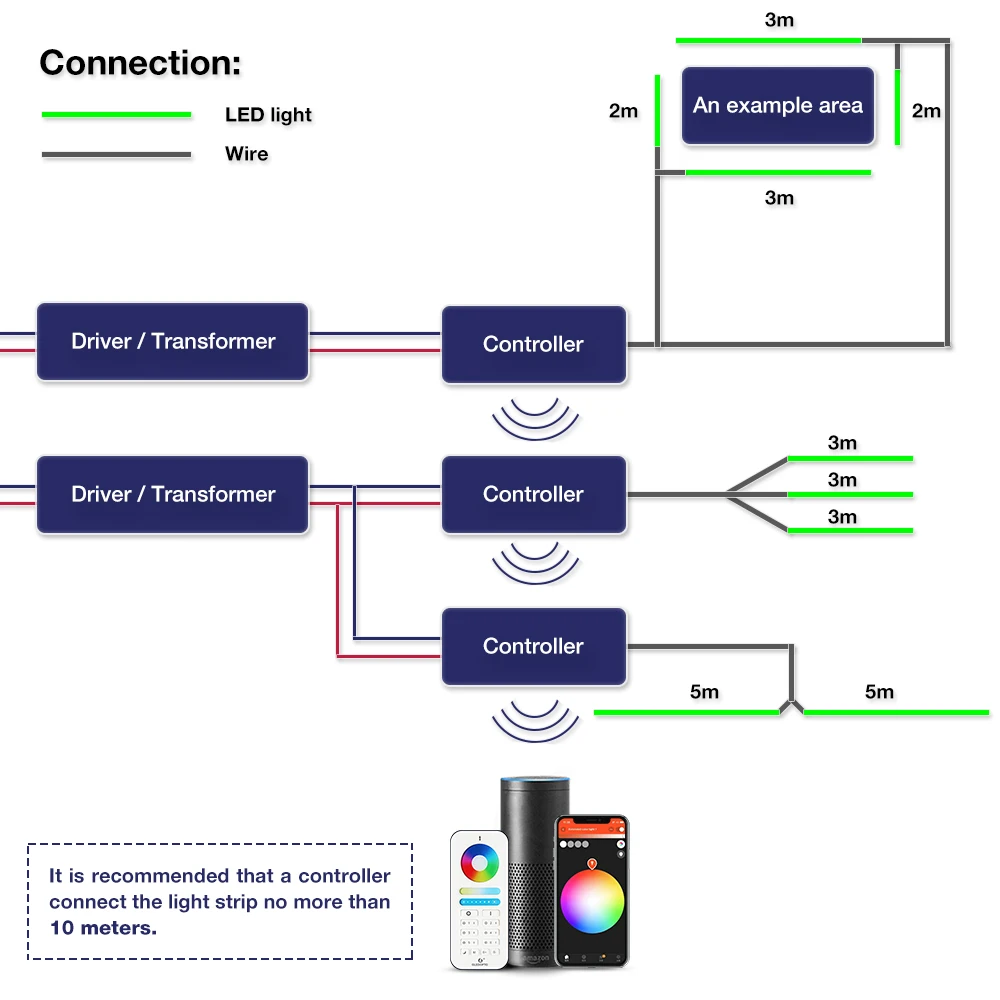

German language
Vielen Dank für den Erwerb unserer Produkte.
In dieser Anleitung wird Ihnen kurz der Anschluss und das Koppeln mit ZigBee Light Link
Gateways erläutert. Bitte lesen Sie diese Anleitung sorgsam bevor Sie den Artikel verwenden.
Die Produkte sind mit vielen ZigBee Light Link Gateways
Anschließen:
1. Dafür das Kabel wie in Bild P1 vorbereiten, 9-10 mm des Kabels abisolieren und es
sollte einen Querschnitt von 0,33-2,08mm⊃2; (AWG22-14) haben.
2. Dann Drücken Sie mit einem Schraubendreher die Druckklemme nach unten und
führen das Kabel ein, siehe Bild P2.
3. Wenn Sie den Druck mit dem Schraubendreher wieder lösen, ist das Kabel verbunden.
Beispiele zum Verbinden von verschiedenen LED Produkte mit den Steuergeräten finden Sie
in Bild P3-P7.
- P3 für die Verwendung von RGBW bzw. RGBWW Produkten
- P4 für die Verwendung von RGB Produkten, dafür wird die Klemme W einfach freigelassen
- P5 für die Verwendung von einfarbigen Produkten, nur Dimmen, dafür werden die
Klemmen R, G und B freigelassen
- P6 für die Verwendung von RGB+CCT(Warmweiß+Kaltweiß) Produkten
- P7 für die Verwendung von CCT(Warmweiß+Kaltweiß) Produkten
Koppeln:
1. Schließen Sie das Produkt an und bereiten Sie es zum Verwenden vor, siehe Abschnitt
Anschließen.
2. Starten Sie am ZigBee Light Link Gateway die Produktsuche, dies kann einen Moment
dauern. (sollte es nicht gefunden werden, trennen Sie das Produkt vom Strom und
verbinden es neu oder führen Sie einen Reset durch)
3. Das Produkt wurde von dem Gateway gefunden und kann nun den gewünschten
Zonen/Räumen/Gruppen zugeordnet werden. Siehe dazu die Anleitung vom Gateway.
4. Nun können Sie das Produkt wie gewünscht verwenden.
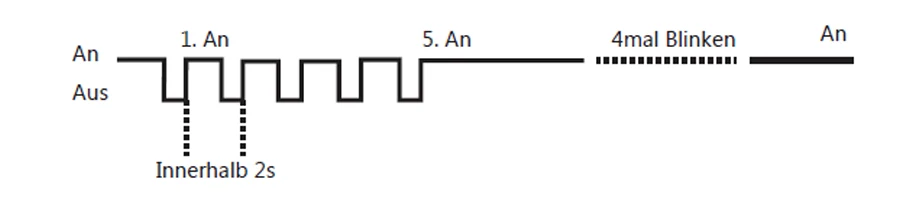
Reset:
1. Schalten Sie das Produkt ein.
2. Nun Schalten Sie es aus und innerhalb von 2 Sekunden wieder ein, das ganze
wiederholen Sie viermal.
3. Nach dem fünften Einschalten sollte das Produkt nun viermal Blinken um Ihnen
anzuzeigen, dass der ResetVorgang abgeschlossen ist.
*Das RGBW Steuergerät wird als 2 getrennte Geräte erkannt, eine RGB und eine einfarbige
Lampe.
English
Thanks for buying our products.
In this manual we will explain the connection of wires and the connection with a ZigBee Light
Link Gateway.
These devices works with many ZigBee Light Link Gateways
Wire Connection:
1. Please prepare the cable like picture P1 and strip the isolation to 9-10 mm. The cable
cross-section must be between 0,33 and 2,08mm⊃2;(AWG22-14).
2. Now push down the terminal with a screwdriver and put in the cable, see picture P2.
3. Take the screwdriver away and the cable is connected with the terminal.
On picture P3-P7 you can see examples for the connection of different LED controllers:
- P3 for RGBW/RGBWW products
- P4 for RGB products, use a RGBW controller and don’t connect the wire W
- P5 for single color LED product, use a RGBW controller and don’t connect the wire
R, G, B
- P6 for RGB+CCT(warmwhite+coldwhite) products
- P7 for CCT(warmwhite+coldwhite) products
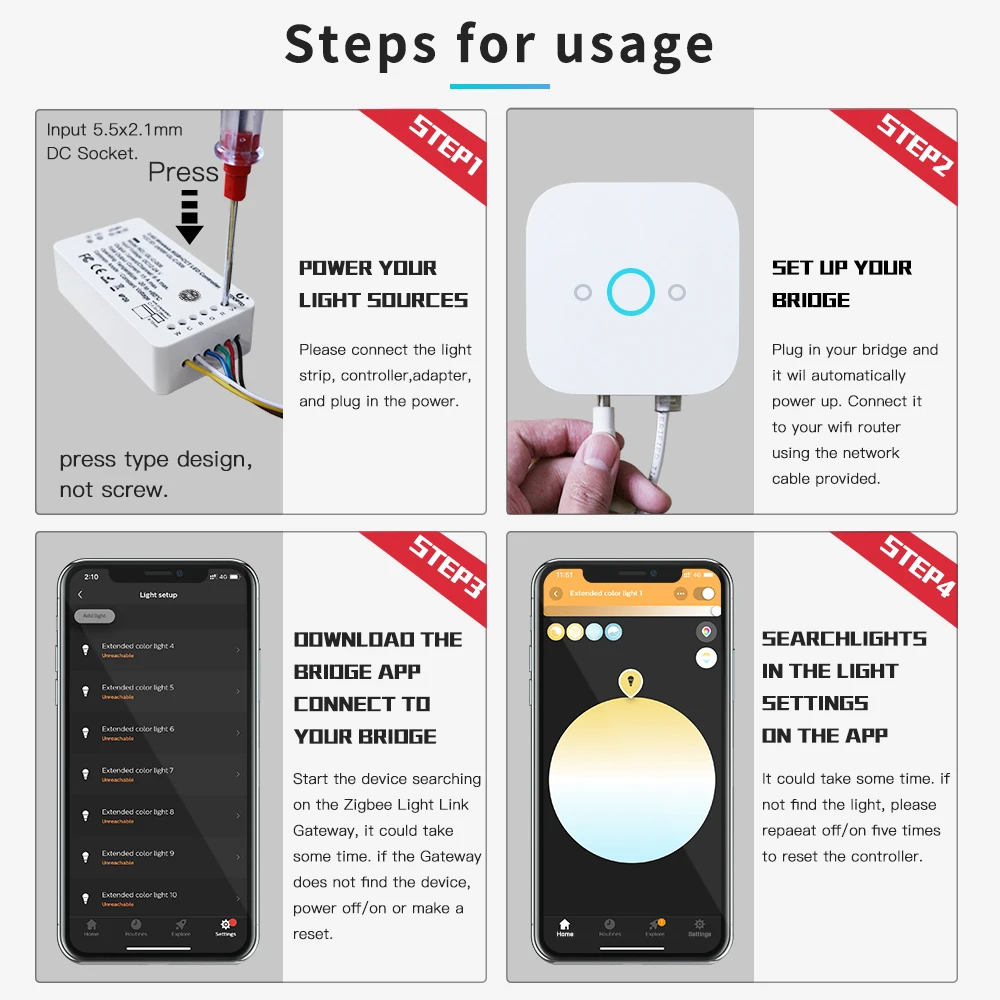
Connection with Gateway:
1. Connect the LED product to the controller see section “wire connection”.
2. Start the device searching on the ZigBee Light Link Gateway, it could take some time.
If the Gateway does not find the device, plug power off/on or make a reset.
3. The Gateway found your device and you can assign it to the different rooms/zones/groups.
4. Now you can use the device.
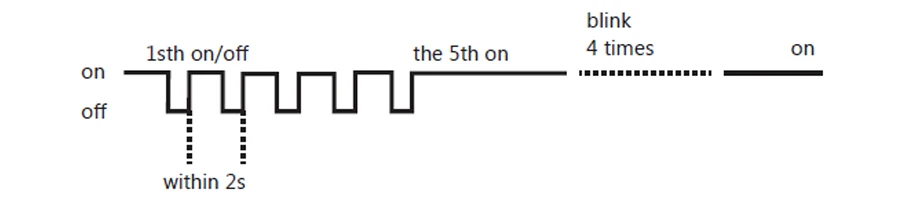
Reset:
1. Switch on your device.
2. Now switch off and on within 2 seconds.
3. Repeat off/on four times.
4. Reset is done when the device is switched on in the fifth time and the light stays on
after blinking 4 times.
*For RGBW/RGBWW devices you will find two SSIDs. One for white/warmwhite, the other
for RGB.
French
Merci beaucoup pour l’acquisition de nos produits.
Dans ce mode d’emploi vous trouverez l’expliquation pour le branchement et la connexion
avec ZigBee Light Link Gateways. Veuillez lire attentivement le mode d´emploi avant d‘utiliser
le produit.Les produits sont compatibles avec de nombreux ZigBee Light Link Gateways
Le branchement:
1. Pour cela, préparer le câble comme indiqué sur l’image P1, dénuder 9-10mm du cable
pour obtenir une coupe transversale de 0,33-2,08mm⊃2;(AWG22-14).
2. Ensuite appuyer sur la borne avec un tournevis vers le bas et introduisez le câble,
comme c’est indiqué sur l’image P2.
3. Lorsque vous supprimer la pression du tournevis sur la borne, le câble est alors raccordé.
L´image P3-P7 vous montre quelques exemples de connexion pour différents produits LED
avec les commandes électroniques
- P3 pour l’utilisation des produits RGBW ou bien RGBWW
- P4 pour l’utilisation des produits RGB, dans ce cas la borne électrique W ne sera pas
raccordé
- P5 pour l’utilisation des produits unicolores, réduire seulement l’intensité lumineuse,
pour cela les bornes électriques R, G et B ne seront pas raccordées.
- P6 pour l’utilisation des produits RGB+CCT (blanc chaud+blanc froid)
- P7 pour l’utilisation des produits CCT (blanc chaud+blanc froid)
Le couplage:
1. Brancher le produit et préparer le à l´utilisation, se conférer au branchement.
2. Commencer la recherche du produit sur ZigBee Light Link Gateway. Ceci peut durer
quelques instants (si la recherche n´aboutit pas, débrancher le produit, puis reconnecter
vous ou procéder à un reset/réinisialisation).
3. Le produit a été repèré par Gateway et dans ce cas il sera répertorié dans la zone ou
le groupe souhaité. Pour cela référez vous aux indications dans le mode d´emploi de
Gateway.
4. Maintenant vous pouvez utiliser le produit comme il convient.
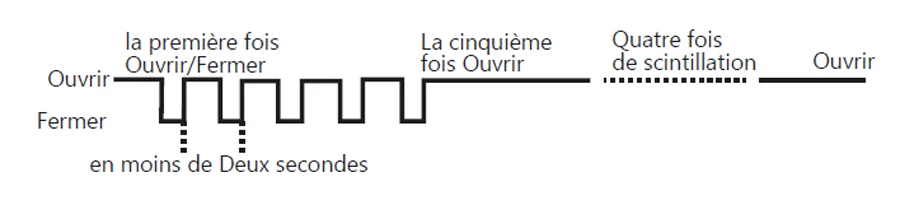
Le reset:
1. Mettez le produit en marche.
2. Eteignez le produit et après 2 secondes rallumer le. Procéder de la sorte quatre fois
de suite.
3. A la cinquième mise en marche, le produit devra clignoter quatre fois pour indiquer quele
reset a bien fonctionné.
*La commande électronique RGBW est considérée comme deux produits séparemment, une
RGB et une lamp eunicolore.



Welcome to Ezlo Shop. Build your helpful home.

Welcome to Ezlo Shop. Build your helpful home.
Welcome to Ezlo Shop. Build your helpful home.
Welcome to Ezlo Shop. Build your helpful home.
Welcome to Ezlo Shop. Build your helpful home.
Welcome to Ezlo Shop. Build your helpful home.
Welcome to Ezlo Shop. Build your helpful home.
Welcome to Ezlo Shop. Build your helpful home.


Popular on the Ezlo Store.




World's Most Connected Platform

World's Most Connected Platform
World's Most Connected Platform
World's Most Connected Platform
World's Most Connected Platform
World's Most Connected Platform
World's Most Connected Platform
World's Most Connected Platform

Start Building Your Ezlo Home
Start Building Your Ezlo Home
Start Building Your Ezlo Home
Start Building Your Ezlo Home
Start Building Your Ezlo Home
Start Building Your Ezlo Home
Start Building Your Ezlo Home
Start Building Your Ezlo Home
Recently viewed

Zigbee 3.0 Smart Pro WW/CW Controller Warm Cold White Light Work with Smartthings APP Alexa Echo plus 2.4G RF Remote
Regular price
$45.43
Regular price
$0
$45.43
Sale price
Unit price
per



Free shipping

30-day returns

Free human support