Zigbee Smart IR Remote Wireless Universal Infrared Controller for TV Air Conditioner Work with Smart Life TUYA Zigbee2Mqtt Alexa
 In stock
$9.54
$
Color: Z2M(No Th)
Product details
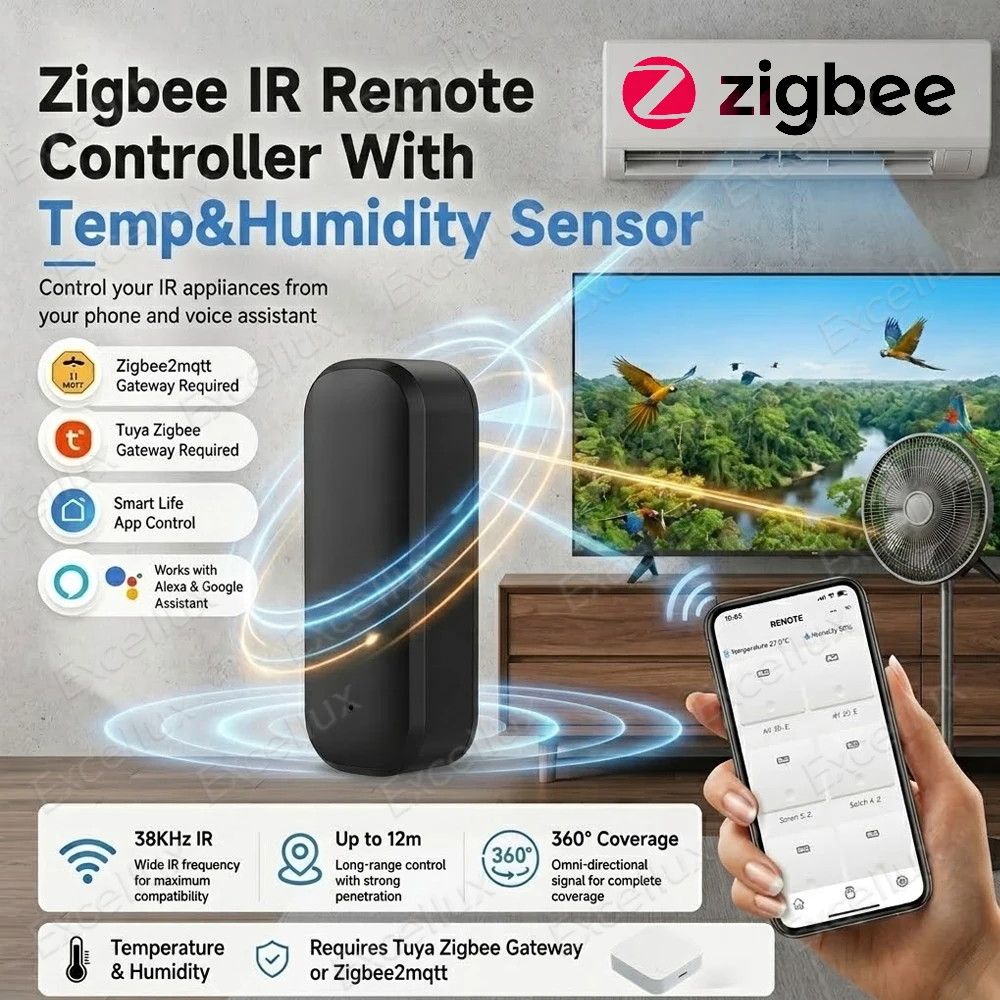
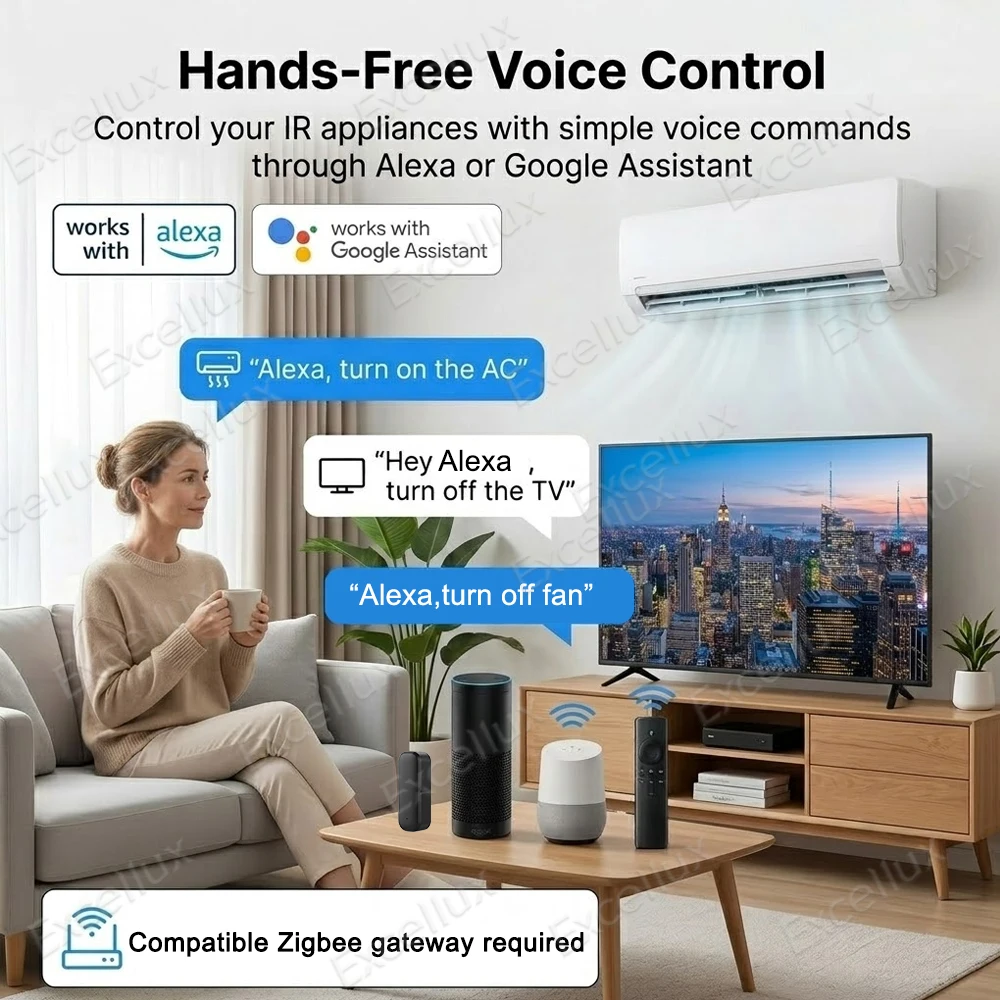
*This zigbee device need work with compatible zigbee gateway .
*Four Version is optional ,please choose the compatible version according to your needs.
Type 1:Z2M(No TH):
Only compatible with zigbee2mqtt| No Temperature humidity Sensor|Zigbee Gateway is Required
Type 2:Z2M(TH):
Only compatible with zigbee2mqtt| With Temperature humidity Sensor|Zigbee Gateway is Required
Type 3:Tuya Zigbee(No TH):
Need Work with Tuya Zigbee gateway Or Zigbee2MQTT Gateway|No Temperature humidity Sensor|Zigbee Gateway is Required
Type 4:Tuya Zigbee(TH):
Need Work with Tuya Zigbee gateway Or Zigbee2MQTT Gateway|With Temperature humidity Sensor|Zigbee Gateway is Required
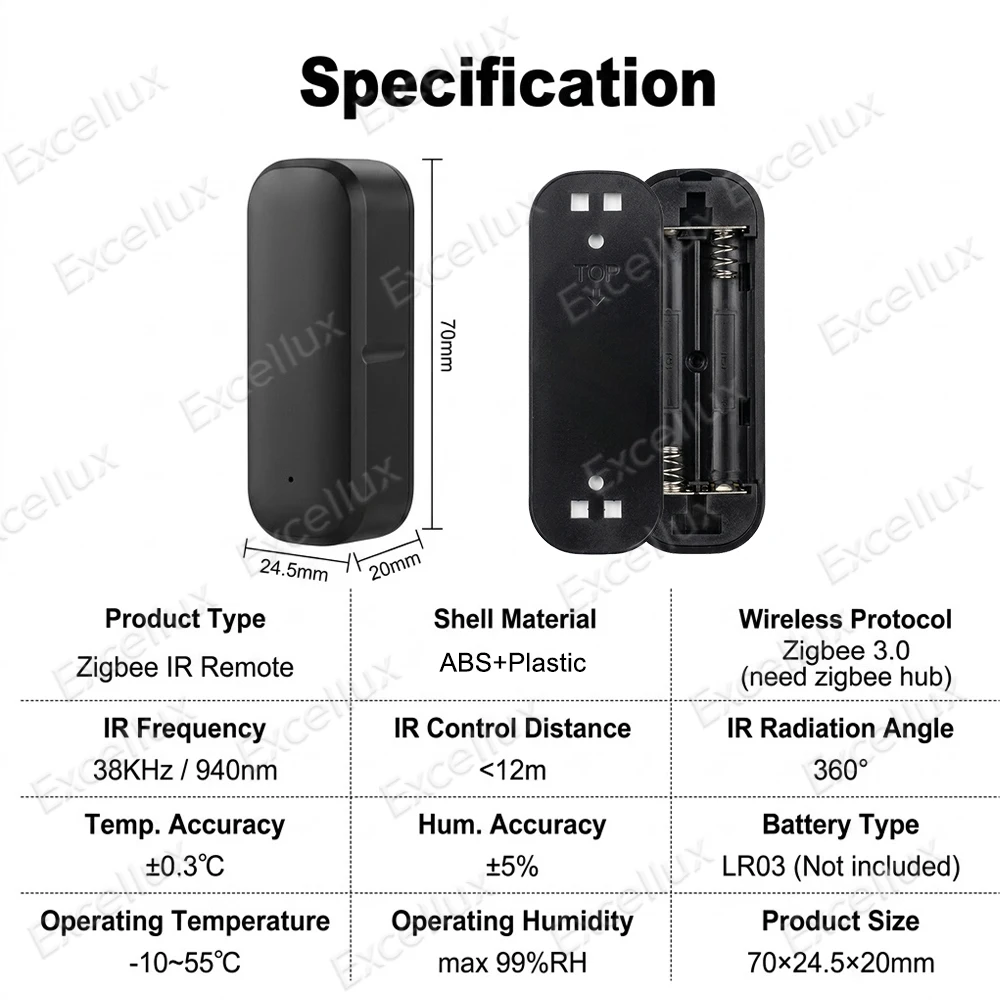
Product Name :Zigbee IR Remote
Wireless Type:Zigbee 3.0
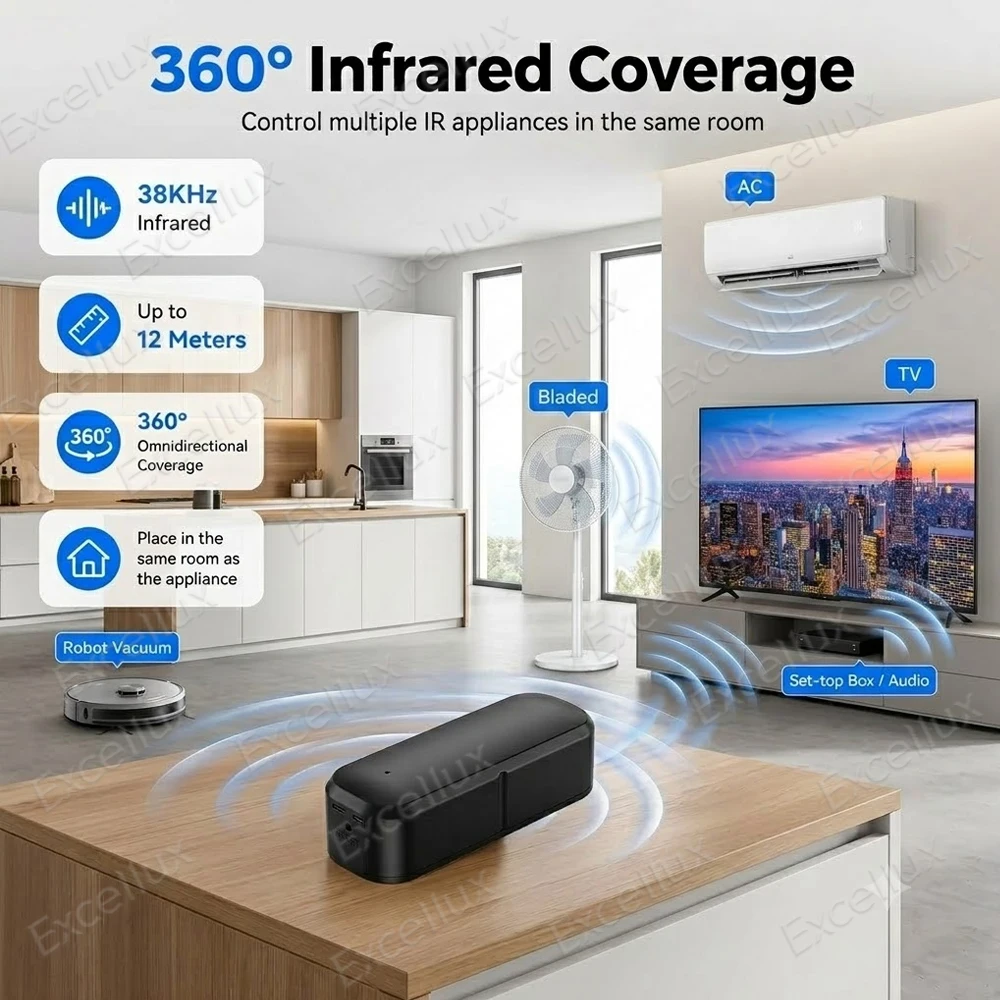
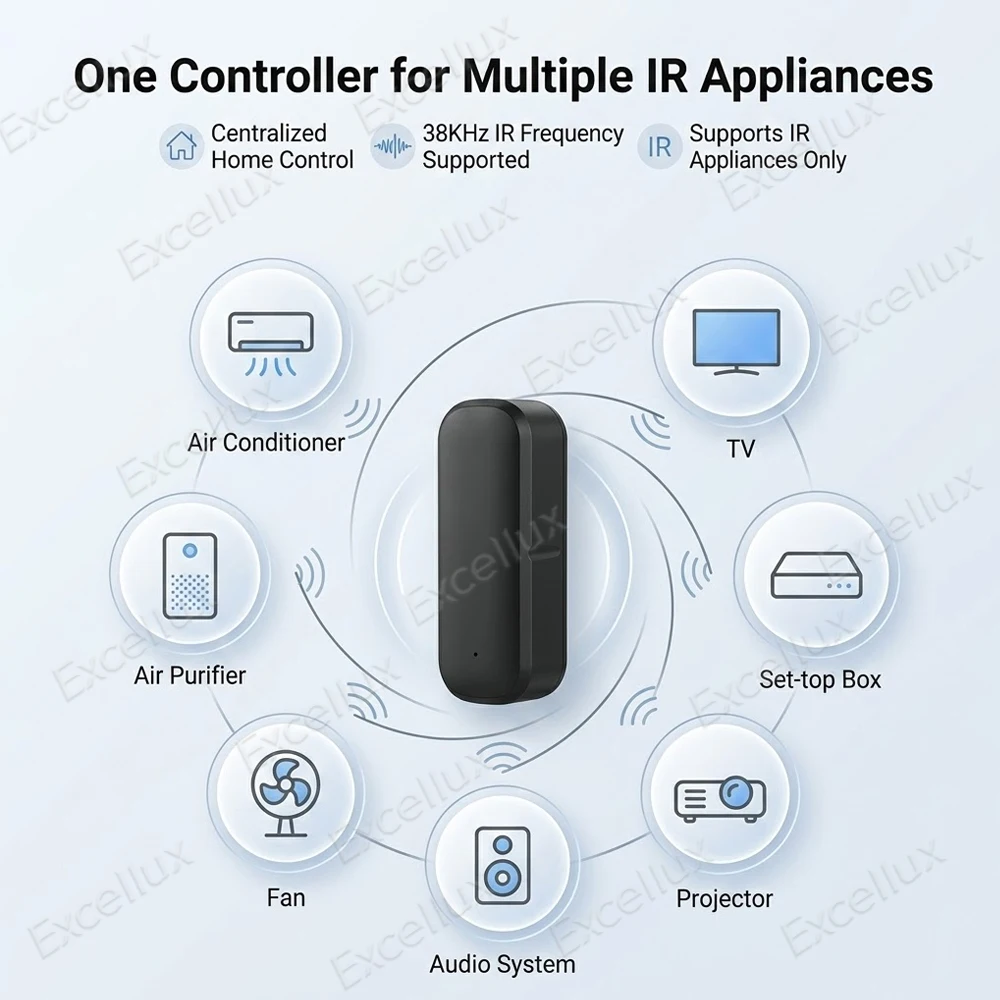
IRFrequency:H38KHz/940nm
IR Control Distance:<12m
IR Radiation Angle:360°
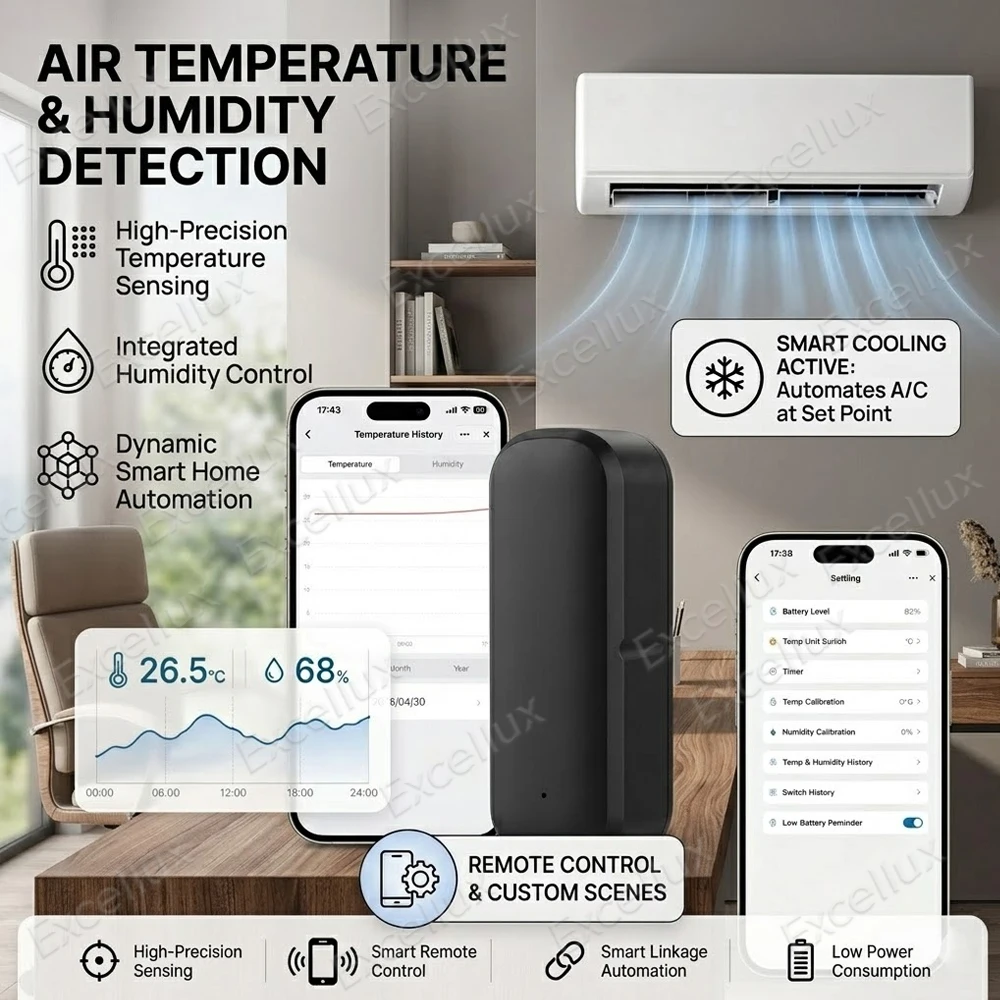
Temp.Accuracy:±0.3°℃
Hum.Accuracy:±5%
BatteryType:LR03(Not included)
Operating Voltage:DC3.0V
Standby Current:<50uA
Battery Life:>8Months
Operating Temperature:-10~55°℃
Operating Humidity:max99%RH
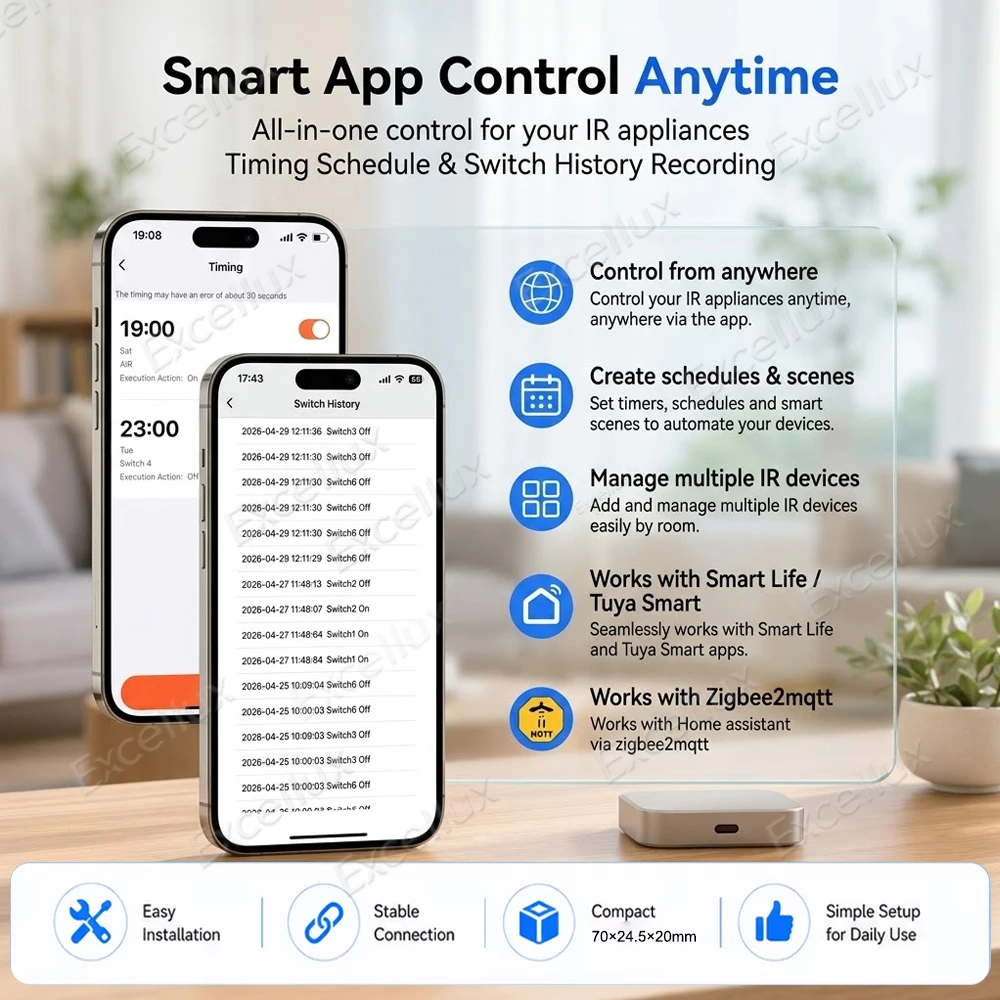
Product Size:70×24.5×20mm
*Zigbee2MQTT Usage Instructions
1.Update Zigbee2MQTT to the latest version, and add this device to Zigbee2MQTT according to the network configuration instructions.
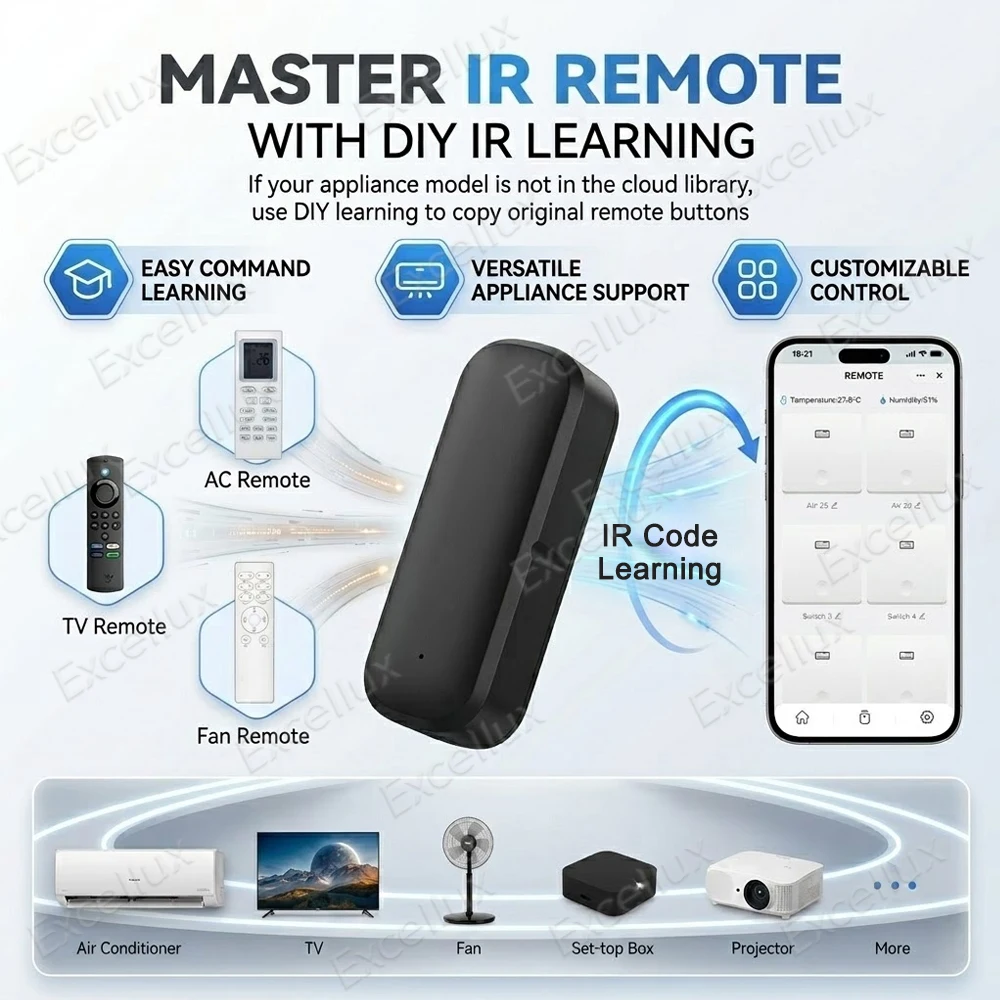
2.On the product function page,click the [Study] button to enter the infrared remote control learning state;the device indicator light will stay on steadily at this time.
*Tuya/SmartLife APP Usage Instructions (Only products with the"Works with Tuya"label on the package are supported.)
1.Add the device to theTuya Zigbee Gateway/APP.
2.Tap the device in the APP device list to enter the product page,then tap the switch name to enter the corresponding switch settings.Point the infrared remote control at the device and press the Power On/Off key on the remote.The device indicator light will flash rapidly 3 times,indicating that the learning is successful.
Important Note!
1.IR code learning is only available when the device indicator light stays solid on.If the infrared remote control works in reverse state,press the power button on the remote again within 3 seconds to relearn the code.
2.Each on/off channel must separately learn the power-on IR code and power-off IR code from the remote control.
3.The indicator flashes rapidly 3times to indicate successful learning. After successful learning,relearning can be repeated within 3 seconds; after 3seconds, the last learned IR code will be saved automatically
FAQ:
a.IR codelearning succeeded,butcontrol is invalid?
1.Please retry IR Code learning several times
2.lf control still fails after successful retries, the IR remote is incompatible
b.After clicking"Study",the LED flashes right away and the process exits automat-ically in 3 seconds.
3.There is 940nm infrared signal interference in the environment.Please move to another location to perform the IR learning operation.
If your Zigbee gateway does not support this device and it only shows as a switch or light in the APP,you can perform learning via the key button.
1.Press the Reset Key once,the indicator light stay son,and the device enters power-on IR Code learning mode.
2.Double-click the Reset Key,the indicator stays steady on,and it enters Power-off IR Code Learning mode.

Recently viewed


Free shipping over $50
Contiguous US

30-day returns

Free human support